
Account Information
Adobe Campaign features
Campaign management
Drag-and-drop
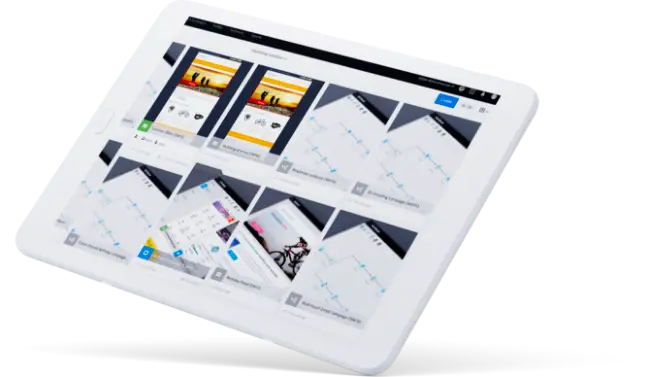
visual workflow interface Manage multiple data sources or define customer segments,
You can plan and execute cross-channel campaigns step by step.
visual workflow interface Manage multiple data sources or define customer segments,
You can plan and execute cross-channel campaigns step by step.
A canvas to enhance data management
Most brands manage their campaigns individually to deliver across various channels, including email, social, mobile, and web. However, customers expect a flexible and consistent brand experience. To meet these customer expectations, you need campaign tools that make it easy to deliver engaging experiences that are personalized to each customer.
Adobe's campaign management tools make it easy to build customer segments with drag-and-drop visual workflows and unify cross-channel marketing campaigns to efficiently align your marketing strategy. You can also easily implement splits, triggered interactions, rests, and weights in one visual interface and seamlessly support all your email, mobile, and offline marketing efforts.
Adobe Experience Platform enables you to deliver triggered messages across multiple channels to your customers in real-time based on behavior, demographics, and unified customer profiles.
Adobe's campaign management tools make it easy to build customer segments with drag-and-drop visual workflows and unify cross-channel marketing campaigns to efficiently align your marketing strategy. You can also easily implement splits, triggered interactions, rests, and weights in one visual interface and seamlessly support all your email, mobile, and offline marketing efforts.
Adobe Experience Platform enables you to deliver triggered messages across multiple channels to your customers in real-time based on behavior, demographics, and unified customer profiles.
Key features

Planning
Plan your campaigns from a long-term perspective and efficiently manage activities, budgets, schedules, and performance from one integrated marketing platform.
Automation
You can automate campaigns based on customer engagement. Depending on how each customer interacts with your brand, you can automatically deliver personalized messages in real-time.
Measurement
Measure campaign performance to get a clear picture of which campaigns are effective, not, and have a high potential for improvement. The data can then be collected and reported for efficient analysis.
Rules
You can limit the number of times you serve content by customer or channel to reduce potential fatigue. You can also set up rules that instantly adjust the frequency of content delivery based on changes in customer engagement.
Enhance your marketing campaigns
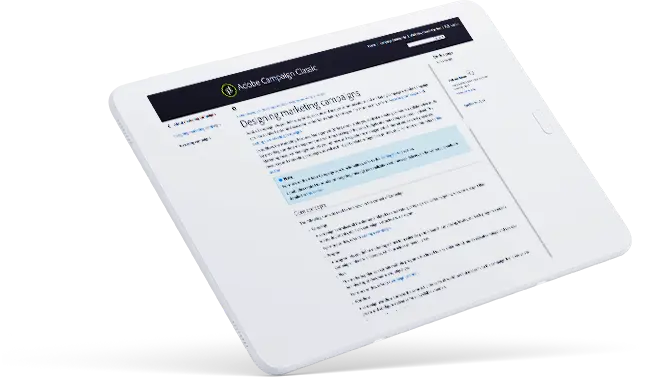
To learn how to execute your marketing strategy with Adobe Campaign, see the Adobe documentation.
Enhance multichannel marketing
Explore how to create, define, and send different types of push notifications.
Try the power of Adobe Campaign for yourself.
See how Adobe Campaign can help.