Account Information
Adobe Journey Optimizer features
Messages and content
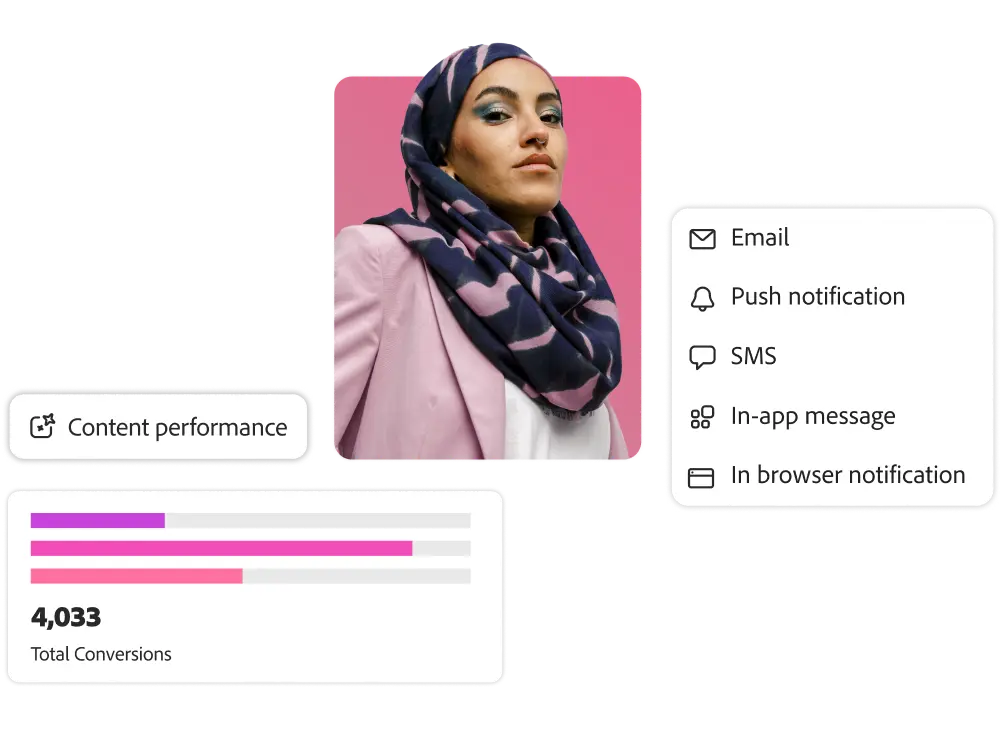
Create messages and content that engages customers across all channels, including email, SMS, push notifications, in-app, web, and DMs
. Use built-in content design
tools and a centrally managed asset repository to streamline workflows to quickly create, edit, and activate content
.
. Use built-in content design
tools and a centrally managed asset repository to streamline workflows to quickly create, edit, and activate content
.
Adobe AI Assistant for Content Creation
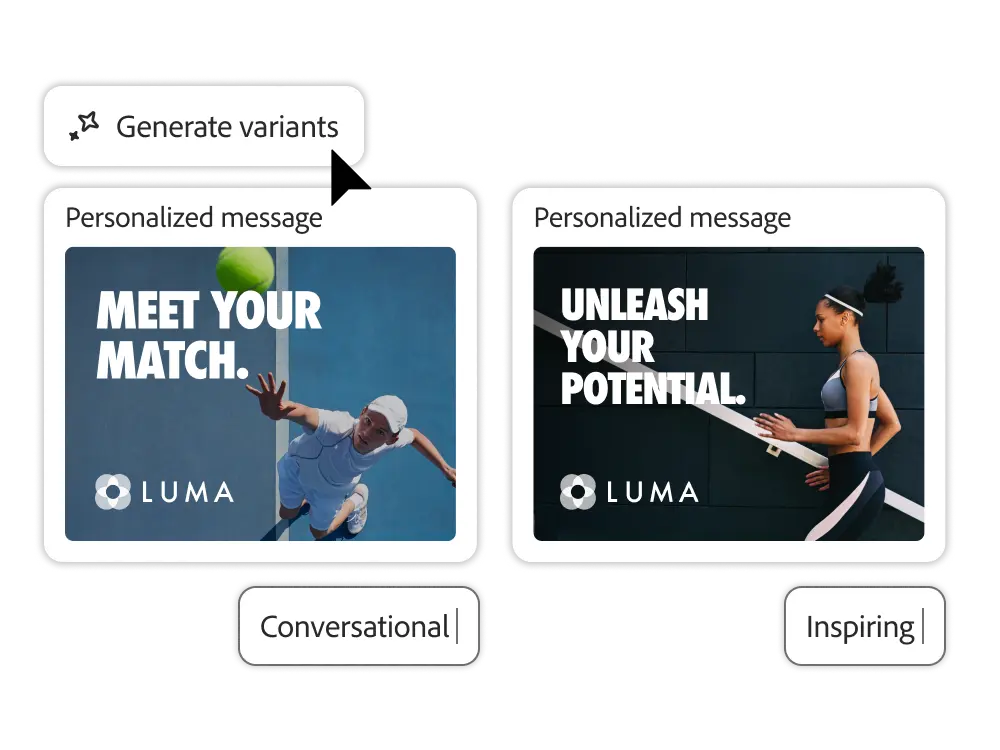
Use generative AI to create and adapt compelling, branded content optimized for all channels, while keeping your existing workflows intact.
- AI content generation. Based on prompts, campaign content, and marketing goals, you can generate copy, images, and content blocks tailored to your campaigns and landing pages.
- Content variations. Easily create different versions of your marketing and campaign assets in a short amount of time. Experiment to test and figure out which versions resonate with your customers.
- Content that fits your brand. It can train AI models on brand assets to generate content that aligns with brand guidelines, tone, and communication strategies. Marketers can ensure that their creations comply with brand standards through built-in brand quality checks.
Digital Asset Management (DAM)
Discover, manage, and use all your digital assets with Adobe Experience Manager Assets Essentials, the built-in DAM.
- Asset search. With text search and intelligent metadata tagging, you can search for digital content for journeys and campaigns to quickly find what you're looking for.
- Edit assets. Editing tools based on Adobe Express and Adobe Photoshop Express allow you to adapt existing content to create the assets you want. It allows you to resize images, remove backgrounds, convert file types, and more.
- Asset governance. Manage your assets efficiently with detailed information and access rights for each asset. Version control allows you to check or restore previous versions.
- Experience Manager integration. Streamline and scale content creation, management, and delivery with reusable content fragments in Experience Manager Sites and dynamic content personalization in Dynamic Media in Experience Manager Assets.


Compose a message
Craft messages that engage customers with flexible design tools that match your team's skills and workflows.
- Drag-and-drop editing. Design, edit, and publish templates and messages for different channels with an easy visual editor.
- HTML coding and conversion. Users who are proficient in coding can develop their own HTML messages, and for non-technical users, they can automatically convert HTML into editable, modular content. This allows for updates, rearrangements, and personalization without the need for recoding.
- Content templates. Create and save dynamic message templates to reuse custom content and accelerate workflows. Tailor the templates to the unique needs of each campaign.
- Adobe Stock. Get access to millions of high-quality, royalty-free photos, videos, illustrations, and vector graphics from Adobe Stock in the built-in message design tools. Find the right assets for your message and import licensed images directly into your asset repository.
Personalization editor
Personalize your communications to ensure that your message always resonates.
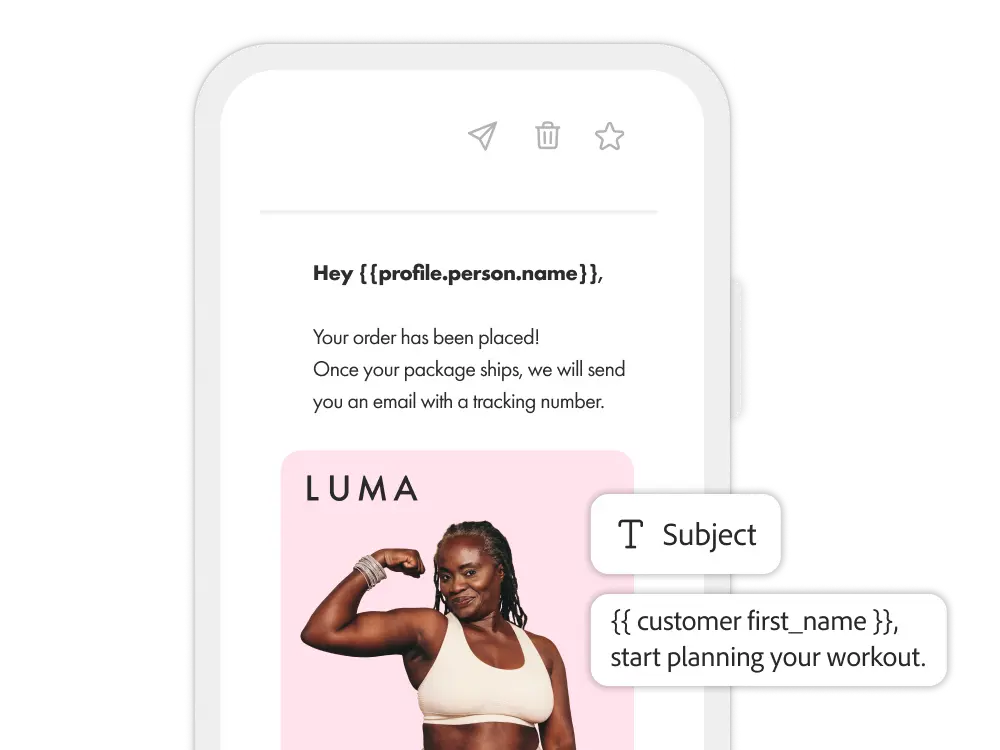
- Dynamic content. You can set up rules that dynamically adjust images, titles, links, suggestions, etc., based on the characteristics and circumstances of each customer.
- Data-driven personalization. You can tailor messages based on profile attributes, customer offer qualifications, and external context attributes (weather, location, inventory, etc.).
- Content fragments. Maintain message consistency and reduce work time with reusable content blocks. You can use HTML, JSON, and text to define editable fields that can be dynamically updated based on each campaign or journey.
Take advantage of 120% of messaging and content capabilities
Experience League offers a wide range of learning content, including documentation, tutorials, and user guides
.
.
Let me answer any questions you may have.
What is dynamic content in Adobe Journey Optimizer?
Dynamic content will be updated at the time of dispatch. Adobe Journey Optimizer can personalize copy, images, links, offers, and more based on customer characteristics and current behavior.
Where do you get dynamic content?
Marketing teams can import content from Adobe Experience Manager Assets or upload content to Adobe Journey Optimizer's built-in content library. Adobe Journey Optimizer ensures that your assets are always brand-approved and relevant to your channel.
Can marketing teams use AI for the purpose of producing content quickly?
Yes. Adobe Journey Optimizer's AI assistant generates alternative headlines, image suggestions, and layout variations, helping enterprise teams reduce testing time.
How do corporate teams enforce rules for content personalization?
Enterprise teams can use expressions to define logic such as "If loyalty status is Gold, show premium offer". Dynamic rules can be based on any profile field in Adobe Experience Platform.
How can CMOs leverage dynamic content to drive sales performance?
Dynamic content allows you to deliver contextual, high-performance offers, which can improve conversion rates, increase average order value, and retarget more effectively across touchpoints.
Can creative teams manage scale and velocity while maintaining brand quality?
Of course you can. Creative teams can deploy different variations while maintaining consistency and visual control through dynamic content templates and guidelines.
How does Adobe Journey Optimizer reduce the burden of content creation?
Adobe Journey Optimizer supports asset reuse, versioning, and dynamic insertion rules. This allows marketing teams to minimize repetitive tasks across multiple segments and campaigns.
Is dynamic content subject to the same governance policies as other messages?
Yes. CIOs can define data and usage policies in Adobe Experience Platform, and these rules are enforced when dynamic content is interpreted and delivered in real time.