Account Information

Adobe Journey Optimizer features

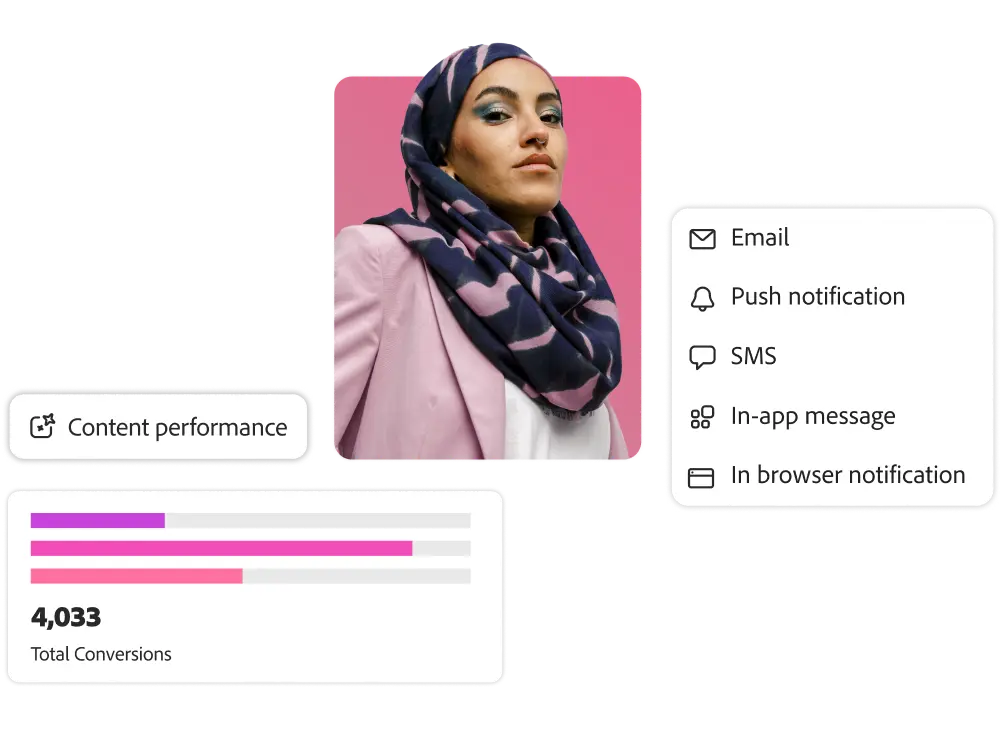
Profiles & Clients

Combine data from online, offline, and anonymous sources to create instantly engaging customer
profiles, and use a drag-and-drop canvas to easily
design, manage, and enhance your customers. Profiles and customers
can be easily activated for bulk campaigns and real-time customer journeys.

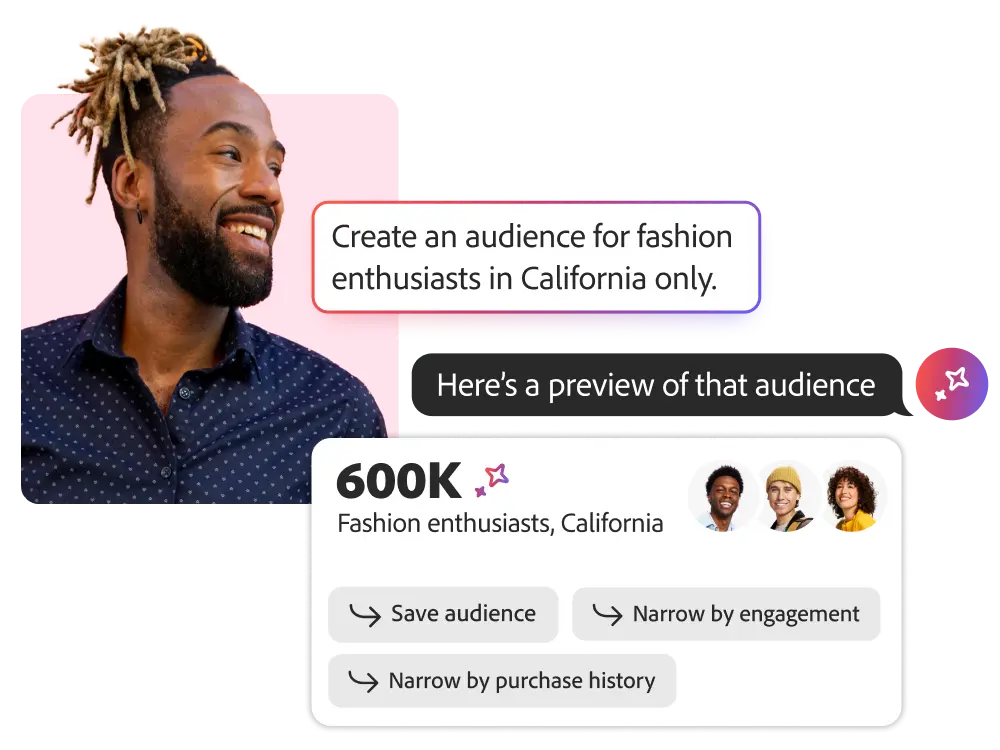
Audience Agent

Use natural language prompts to create, manage, and optimize smart audiences quickly. It makes it easier and more efficient to work.

    • Audience discovery and management. Manage principles and practices for data accuracy and proactively understand audiences while tracking changes in scale over time.
    • Audience creation. Create audiences based on recommendations that align with your campaign goals.
    • Audience optimization. Use forecasting and audience estimation tools to automatically create targeting segments based on propensity to make data-driven targeting decisions.
Real-time customer profiles

Import customer attributes and events from online and offline sources and integrate them into a unified customer profile that can be used by all team members.

    • ID verification. You can aggregate data from sources with different identity keys and associate customer identities with each dataset.
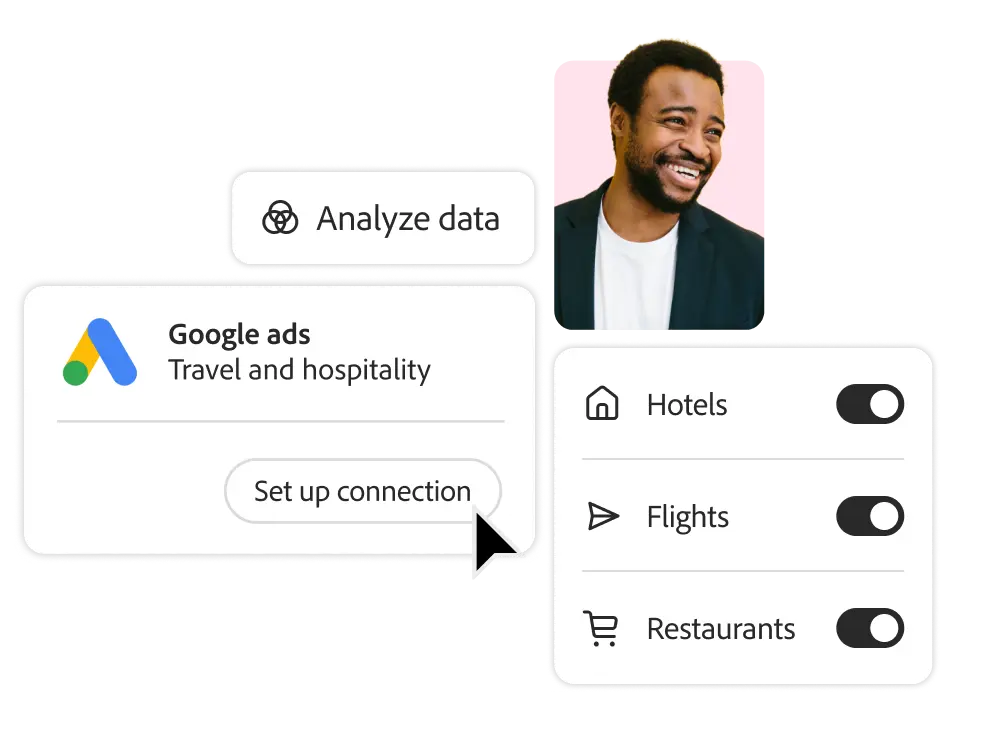
    • Data integration. Use pre-built source connectors to enhance customer profiles with real-time streaming data or batch updates.
    • Data export. Export engagement data to major cloud storage providers to maintain an up-to-date record of customer interactions for reporting, archiving, and analysis.

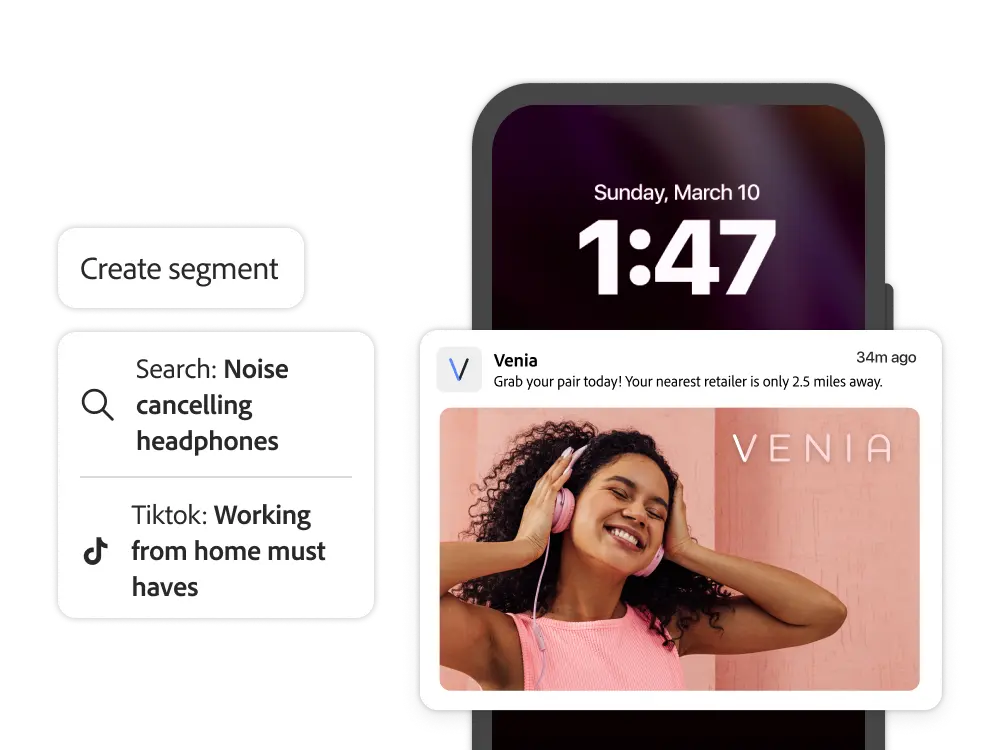
Audience Profiles and Segmentation

Create and empower customers with canvas-based visual workflows. Journey Optimizer can also collect and activate existing customers from other platforms.

    • Customer Management. Easily navigate and manage your customers with tagging, governance controls, and searchable folders. Easily navigate and manage your customers with easy dashboards to identify customer trends and visualize overlaps.
    • Configure customers. Organize customers with intuitive waterfall workflows. Evaluate customer rankings, set caps, split, and combine to acquire new customers.
    • Empower your customers. Empower your customers to enhance their personalized experience. You can add other attributes, such as your store's operating hours, which customers prefer.
    • Activate customers. Activate customers in your campaigns and journey workflows. Integrate customer qualification events into journeys to reduce marketing fatigue while targeting customers on the right channel at the right time.

Integrated customer configuration

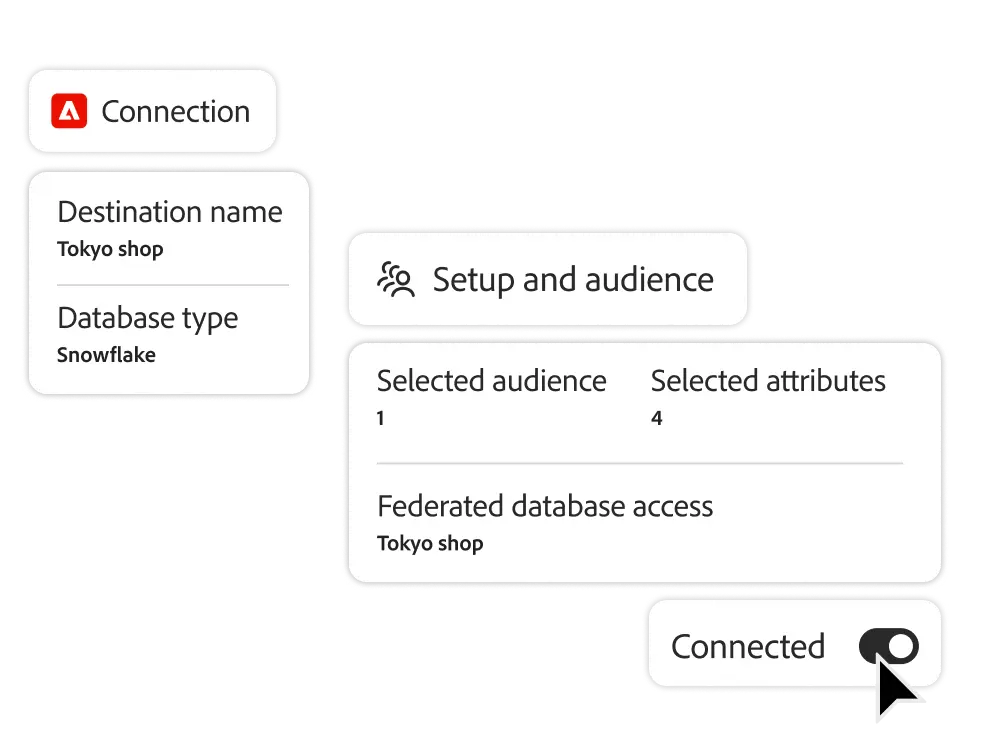
Create and enrich customers directly from your data warehouse while minimizing data transfer and data duplication.

    • Federated Data Access (FDA). Minimize data duplication and improve data governance while connecting directly to data warehouses such as Snowflake, Google BigQuery, Azure Synapse, Amazon Redshift, and more.
    • Customer enrichment. Data attributes in a data warehouse can augment existing customer profiles and customers for more sophisticated segmentation, targeting, and personalized marketing.
    • Real-time activation. Integrate across channels and touchpoints to instantly activate customers to engage them at the right time.

Data Governance and Privacy

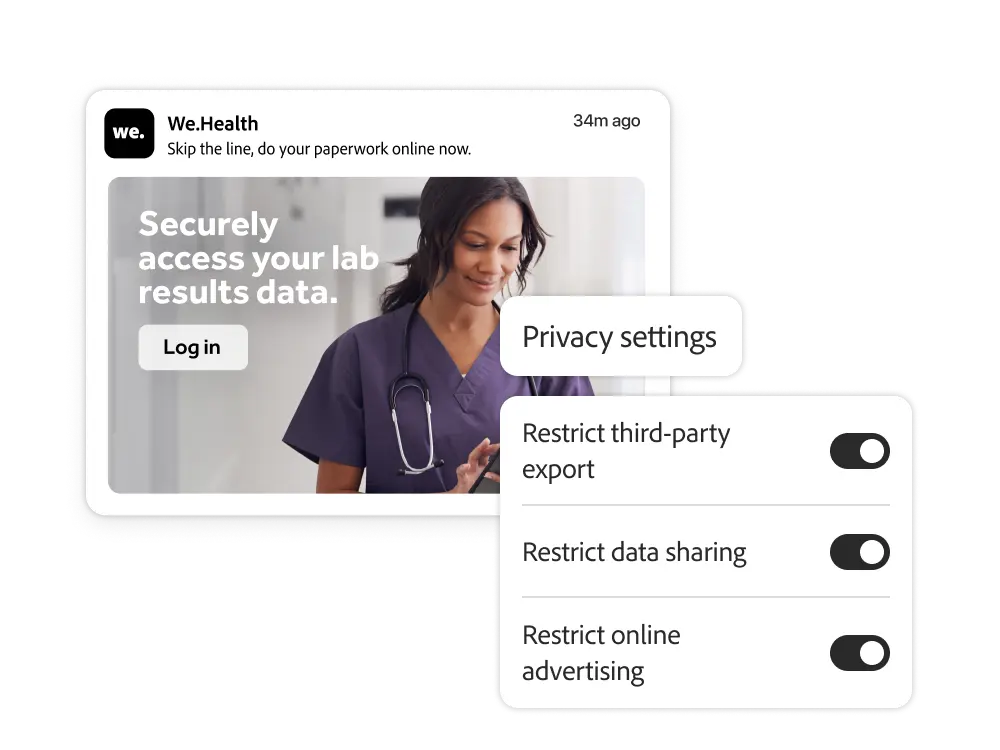
Respect and protect your customers with enterprise data governance tools. Consent management, patented data labeling, policy formulation, and enforcement tools help you operate your data while complying with changing policies and meeting expectations.

    • Label and catalog. Label, catalog, and create, manage, and enforce data usage policies with ready-to-use templates.
    • Notices and policies. Prevent users from activating sensitive data according to policies enforced through Journey Optimizer. In-product notifications can notify your team of attempted violations.
    • Privacy Services and Consent Management. Through APIs or marketer-friendly interfaces, you can adhere to consent and privacy policies.

Leverage 120% of your profile and customer features

Experience League offers a wide range of learning content, including documentation, tutorials, and user guides
.

Let me answer any questions you may have.

What is Real-time Customer Profiles in Adobe Journey Optimizer?

Real-time customer profiles are a real-time, unified view of each customer. It shows identities, behaviors, attributes, consent, calculated insights, and more. Every journey in Adobe Journey Optimizer uses real-time customer profiles to personalize decision-making.

How can enterprise teams build audiences in Adobe Journey Optimizer?

You can use a visual audience builder, pre-built templates, and streaming segment rules. When Adobe Experience Platform catches new signals, your membership is updated in real-time.

How up-to-date is the data used in Adobe Journey Optimizer?

Profiles in Adobe Journey Optimizer are updated millisecond-by-millisecond with streaming data, so the most recent action or event is always reflected in the journey.

How does Adobe Journey Optimizer handle governance?

Adobe Journey Optimizer enforces data usage policies and consent preferences in real-time. If a data field or audience isn't allowed for that purpose, it's automatically blocked on execution.

How can CMOs and marketing teams use real-time profiles to improve performance?

Marketers can access real-time profiles to act on current behavior and intent signals. This can help you deliver more relevant experiences, reduce bounce, and increase conversion rates.

Can CIOs configure data flow and security across profiles?

Yes. CIOs can define data source governance, enforce encryption, and enforce identity verification policies within Adobe Experience Platform to enable only compliant data for unified management.

How does Adobe Journey Optimizer support cross-team audience collaboration?

Share audiences with workspaces and centralized segment definitions, allowing marketing, analytics, and experience teams to work with a unified audience strategy.

What sets Adobe's real-time audience feature apart?

Unlike systems that batch process segments once a day, Adobe Journey Optimizer reacts in milliseconds, allowing you to deliver a truly adaptive experience based on your most recent interactions.


Get hands-on with the power of Adobe Journey Optimizer.

With
Adobe Journey Optimizer Check out the benefits you can get.