Account Information

Adobe Experience Manager Sites features

Headless CMS

What is the out-of-the-box headless, headpool model
for developers and business users You can
freely create, organize, and provide content in the front-end framework There is.

Manage disparate content

With Adobe Experience Manager Sites, marketers can create content and developers can focus on writing and delivering code. This is because they have separated the front-end applications from the back-end content management system. Use Adobe's headless CMS to create structured content, which can be reused across various digital touchpoints via APIs.

    • Content models. Organize your content for your site and app. You can create it using an existing content model template, or create your own.
    • Content fragments. Design, create, and publish your content. You can use content fragments to reuse your content, whether it's headless, headpool, or hybrid.
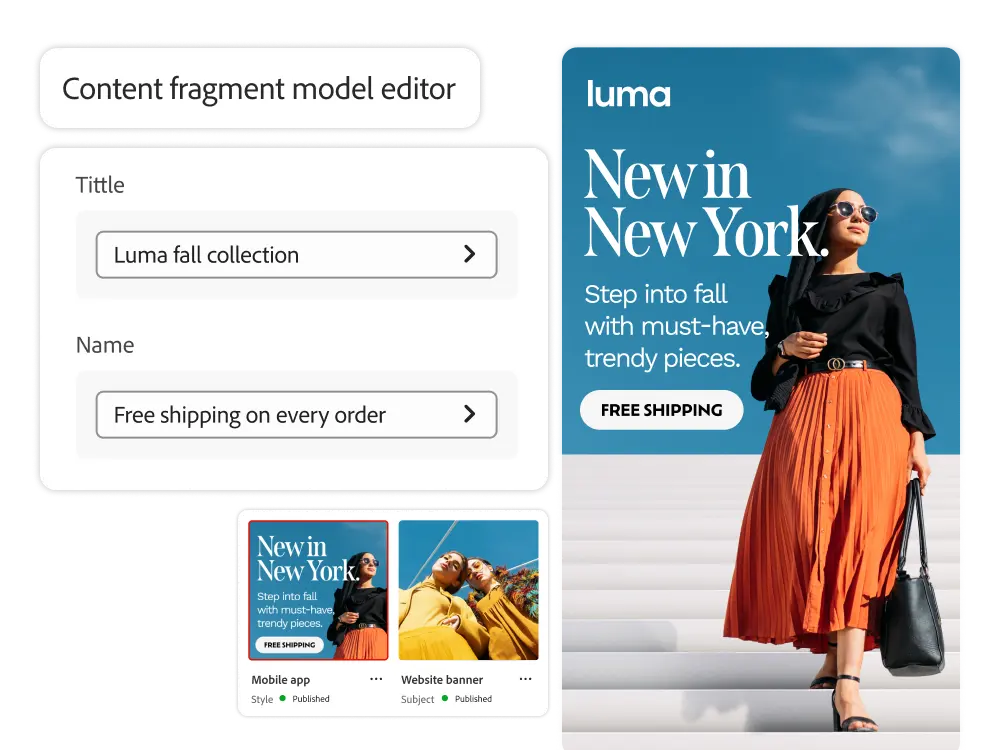
    • Content fragment editor. Use our easy-to-use, familiar, form-based editor to quickly change existing content fragments. Quickly create and edit content across any digital asset. You can batch edit properties on multiple pages at once.
    • Experience fragments. You can group content and layouts to create reusable fragments across any channel and publish them on different screens. You can keep your messaging and layout consistent without having to create multiple creative assets.
    • Multi-site management. With a single click, you can apply changes to the source content structure to live copy content, allowing you to manage different content versions across multiple sites. You can also inherit from different organizations and global content structures.
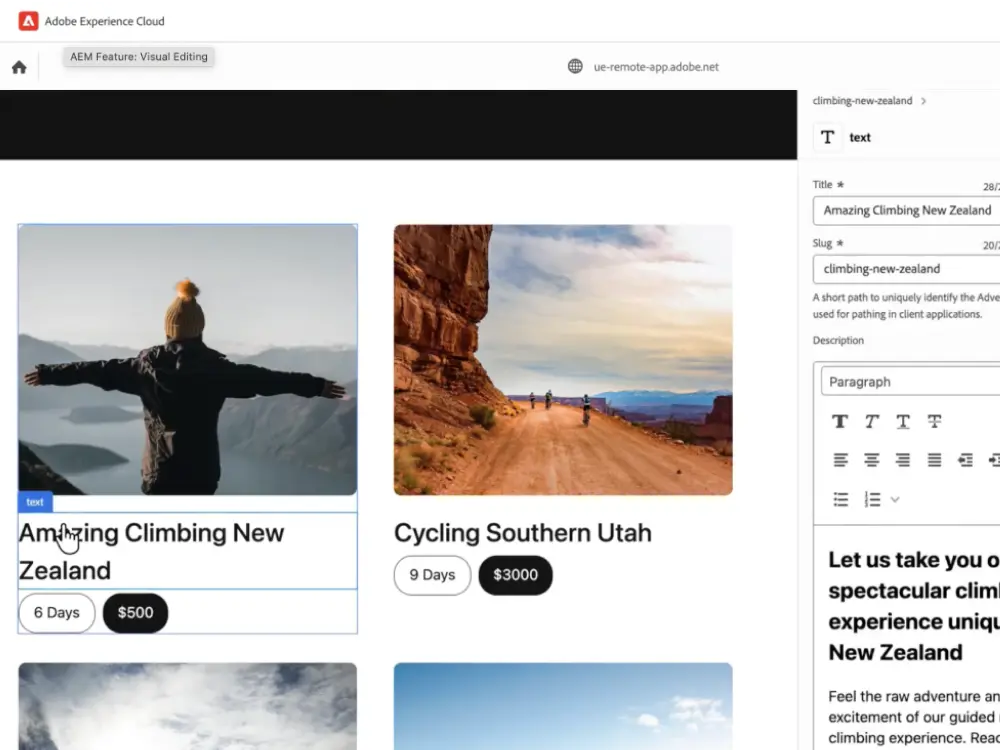
Visual editing

The standard editor in Experience Manager Sites allows you to preview and edit any content in real-time, regardless of the front-end framework or rendering location. Authors can easily modify content right away and preview the final product.

    • Visual editing. Visually edit any content, such as images, text, and videos, to fit the context. You can edit the content fragments displayed on the page, or even edit the entire page structure with nested components.
    • Framework agnostic. Work with your own front-end frameworks (e.g., React, Vue, Angular) and say the least, worry about versioning and updating. Use intuitive authoring tools to easily drag and drop every element of your page design. The standard editor works with any architecture, including server-side, client-side, and edge-side rendering with content hosted on Experience Manager local or remote domains.
    • Flexible editing. Edit different elements flexibly. Whether you need additional metadata or need to apply different styles, such as columns, rotating views, tabs, accordions, etc., you can edit with ease.
    • Custom UI. You can add several extensions to the UI of the standard editor, such as experimenting, managing Workfront tasks, and creating different versions.

Delivery

With its intuitive and comprehensive API, you can easily deliver your content.

    • GraphQL. GraphQL allows you to quickly serve reusable structured content to other applications in JSON format.
    • Content Services. Create pages with out-of-the-box components and templates in Experience Manager. You can then send it to a REST API endpoint that provides the URL through the Content Services API.
    • Persistent queries. Use persistent queries and caching over HTTP cache, or use the Adobe content delivery network to reduce query execution. Client applications request persistent queries with 'GET' requests for rapid edge-enabled execution.
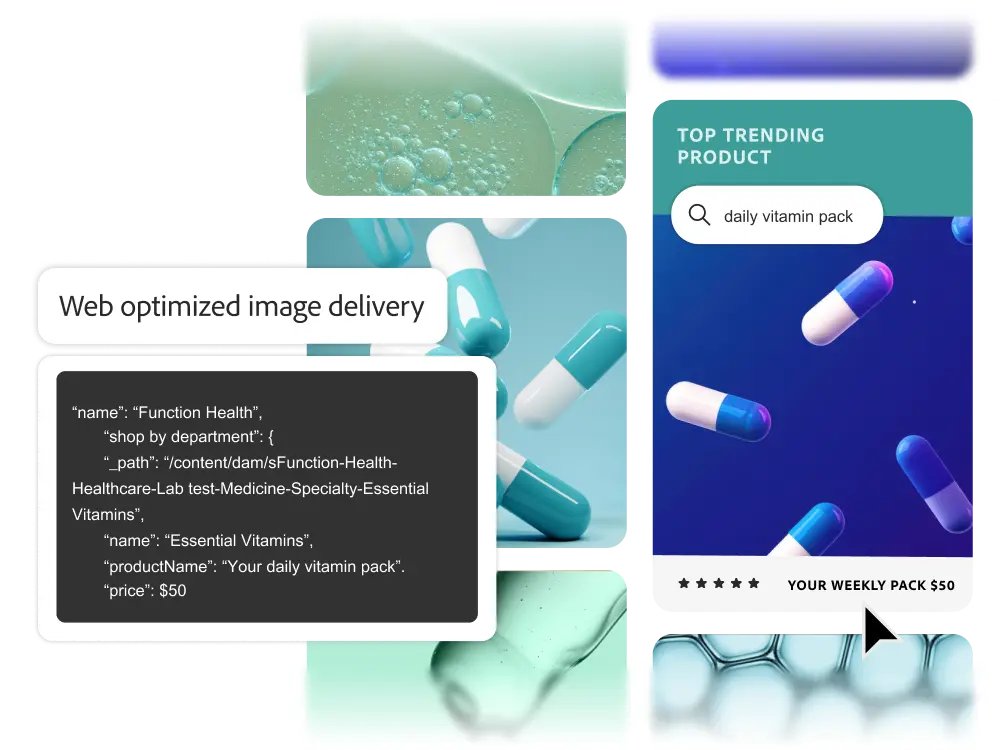
    • Web-optimized image delivery. GraphQL allows you to deliver images from the Digital Asset Manager in WebP format, reducing page load times and reducing download sizes by an average of 25%.

Optimization

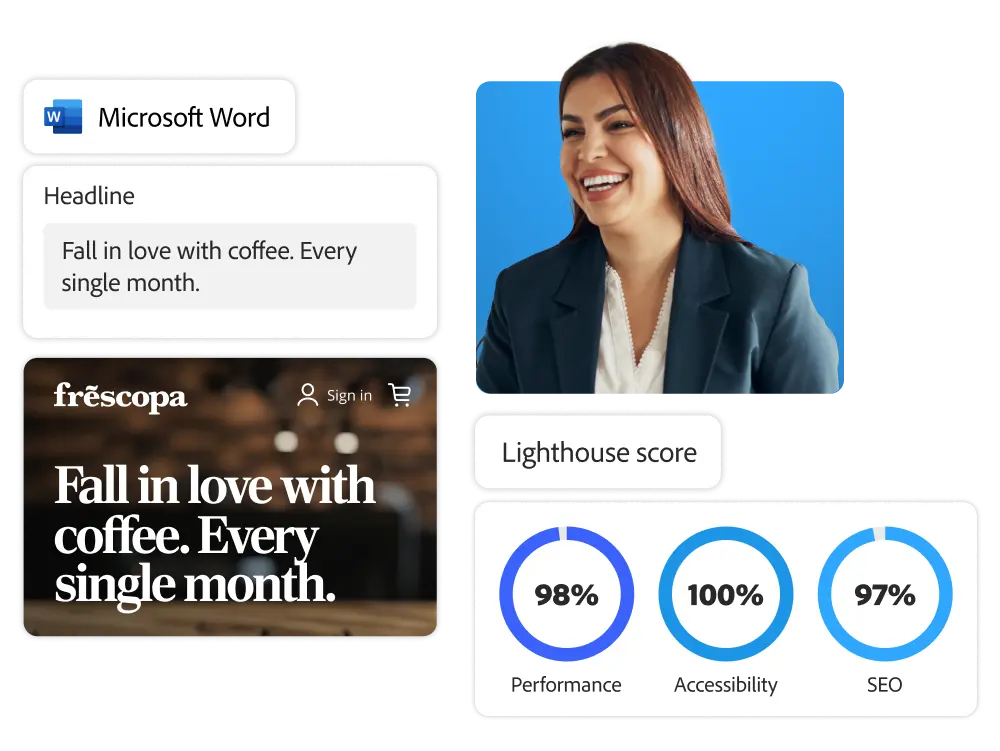
Beyond content management, you can complete high-performance pages and apps.

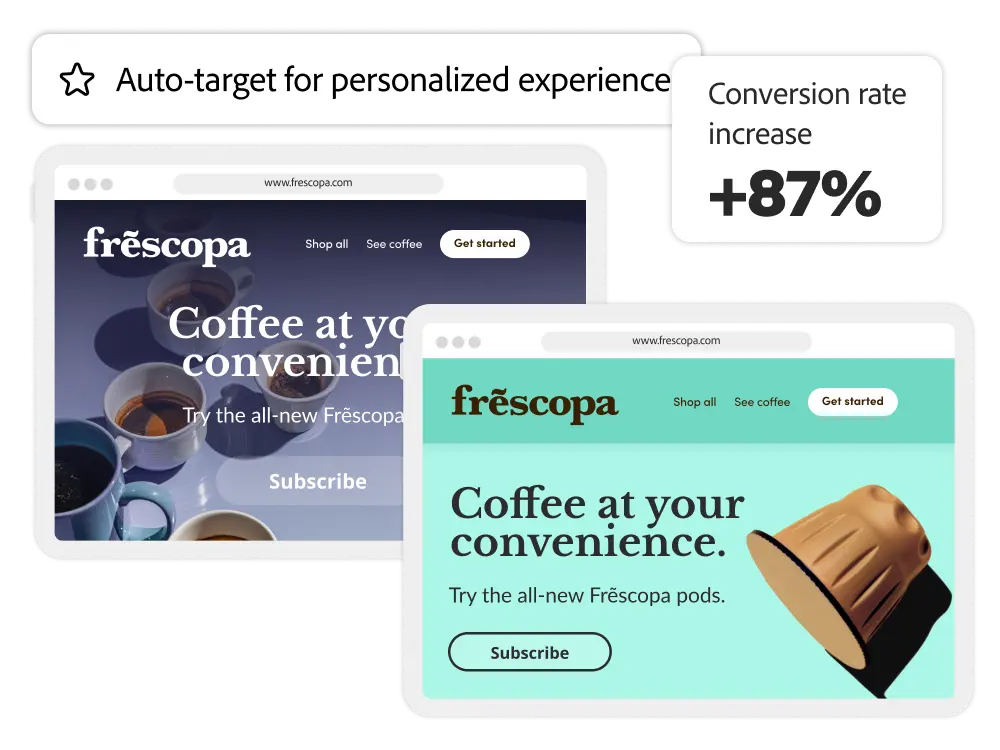
    • Personalization. For advanced A/B testing, omnichannel personalization, and more, you can bring structured content into personalization products like Adobe Target, Adobe Journey Optimizer, and third-party tools to optimize the user experience.
    • Generate multiple versions. Use generative AI capabilities to instantly create different versions of high-performing content copy and images for each segment, without the help of your engineering team.

Leverage 120% of headless CMS capabilities

Take advantage of a variety of learning content, including manuals, tutorials, and user guides.

Get hands-on with the power of Adobe Experience Manager Sites
.

Adobe Experience Manager
Benefits
of Sites Check it out.