Account Information

Adobe Experience Manager Assets features

Activate an asset

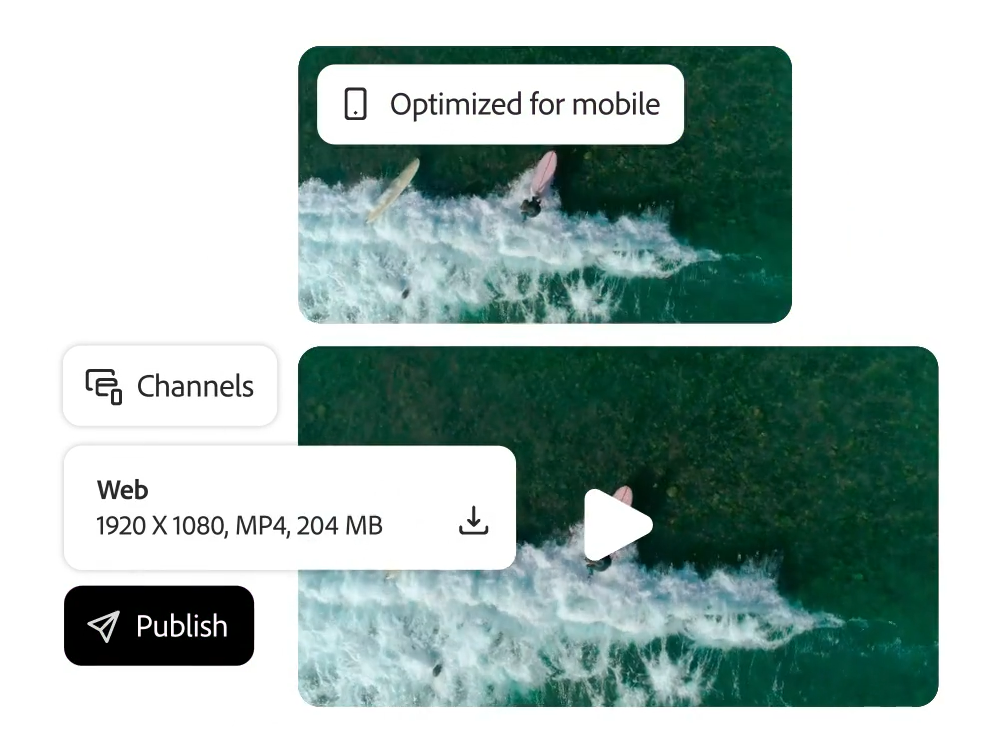
Create multiple versions of new assets such as rich media, and use various Internet bandwidths,
A digital asset management (DAM) platform
that optimizes the experience for screens and channels Expand your asset creation and delivery reach. Interactive content, shoppable content, etc
. It can deliver any media type into an immersive experience.

Asset Variants

You can create unlimited content in different versions, providing a personalized and localized experience across all channels. Experience Manager Assets provides automation features and tools to optimize, reconstruct, and transform content for a variety of screens, including rich media and images, such as video and 3D.

    • Content Hub. With Adobe Express's native integrations and Adobe Firefly's generative AI capabilities, you can easily create new versions with approved brand assets. The Content Hub allows you to collaborate to provide feedback on changes to your assets without having to download or upload them to other applications.
    • Dynamic media creation content in Content Hub. You can access and download different versions of content created with dynamic media in Content Hub, including file types, sizes, and variations.
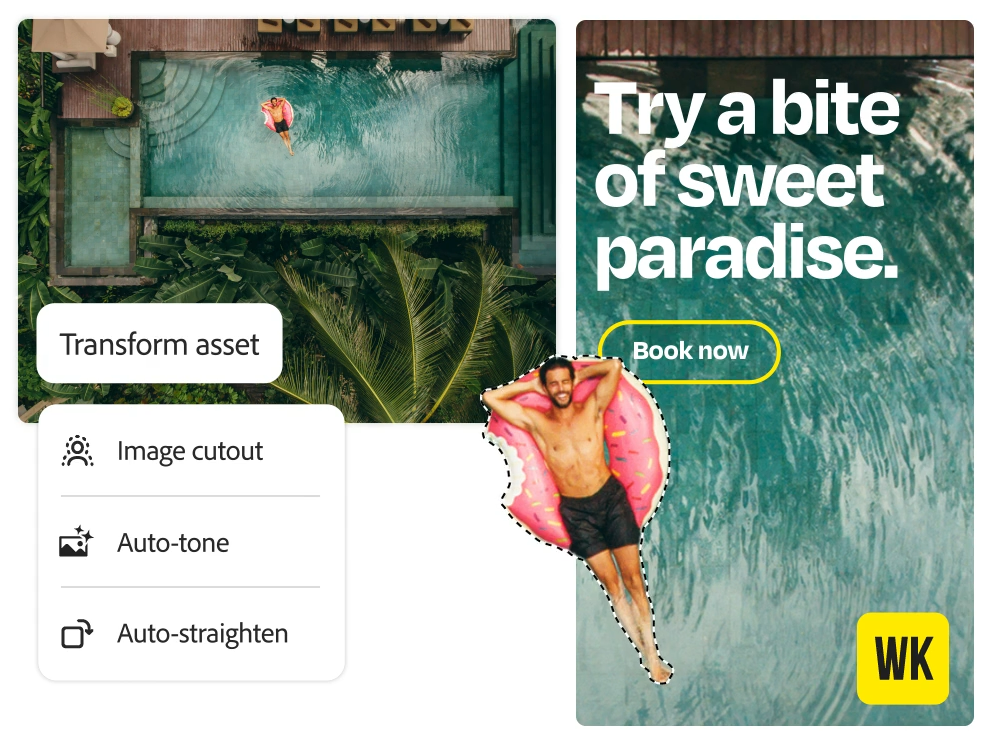
    • Content automation. In Experience Manager Assets, you can use the automation features of Adobe Photoshop and Adobe Lightroom to apply masks to images, crop images, automatically straighten them, automatically adjust tones, and more.
    • Out-of-the-box variants. Adjust formats, resolutions, crops, and effects to automatically create an unlimited number of asset versions from a single master file, allowing you to create multiple versions for different channels or screens. You can also create custom variants to define a unique size that can be applied to the asset you're working with by any user in DAM.
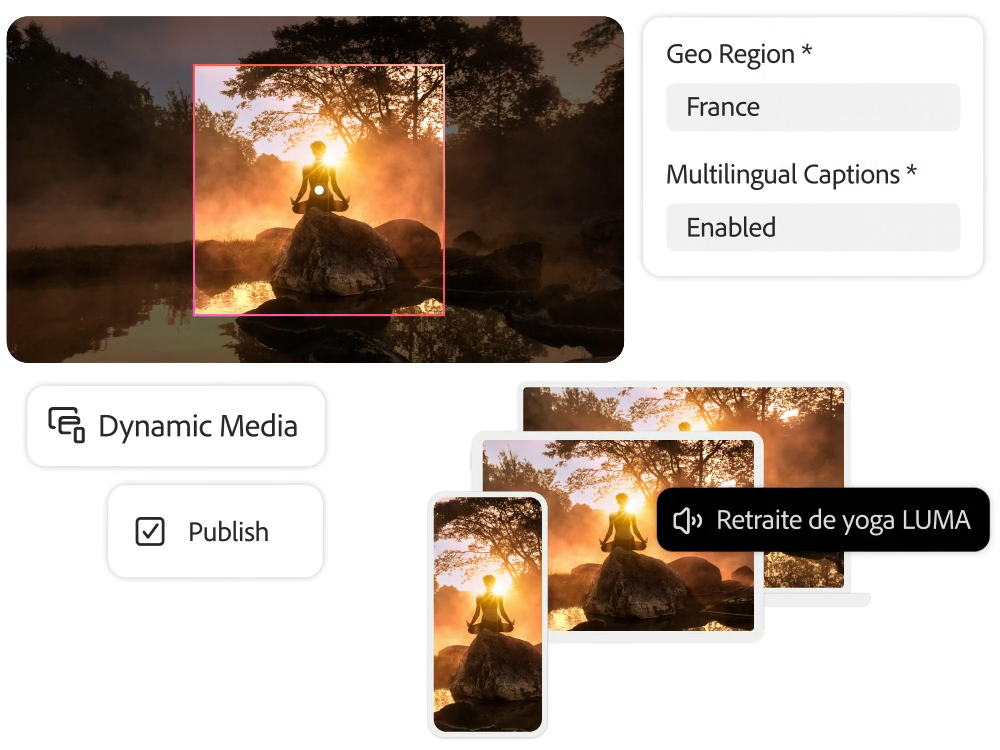
Dynamic Media and Smart Cropping

With Dynamic Media, you can transform your assets to fit multiple devices or channels with a variety of tools, such as Smart Crop, which automatically detects and cuts out the focus of your assets, significantly reducing editing time.

    • Smart cropping. By cropping in bulk, customizing image profiles, and creating high-quality product samples, you can provide a more enhanced customer experience.
    • Change assets. You can easily create different variant versions and change the file format. Consistent experience. Videos can be automatically transcoded, resized, and adaptively streamed to ensure a consistent experience across all screens.
    • Caption automation. For seamless accessibility and global delivery, AI can automate video caption creation, eliminating the need for manual dictation or translation.
    • Shoppable experiences. Create shoppable videos, banners, rotating views, custom video players, 3D interactive elements, 360-degree rotation sets, interactive image hotspots, zoom, e-catalog search capabilities, and more.
    • Dynamic media templates. Increase customer engagement with personalized templates that can be customized based on inventory, customer profiles, weather, location, competitive pricing, discounts, and more.

Delivery Optimization

By optimizing content for different channels and internet bandwidth and delivering interactive experiences, you can reduce loading times and deliver high-quality views.

    • DASH Adaptive Video Support. It can support the Digital Adaptive Streaming over HTTP (DASH) video standard, which adjusts the size and quality of the video based on the viewer's internet bandwidth.
    • Adaptive Video Encoding Profiles. You can choose the encoding options that suit your unique needs to create custom video encoding profiles.
    • Smart imaging. You can use the smart imaging feature to automatically detect the bandwidth and device type of each viewer. You can reduce the file size of an image by up to 70% while maintaining its integrity when delivering an image.

Delivery Management

With governance capabilities, third-party integrations, and dynamic content, including video and rich media, you can easily find approved brand assets and deliver them to the right channels.

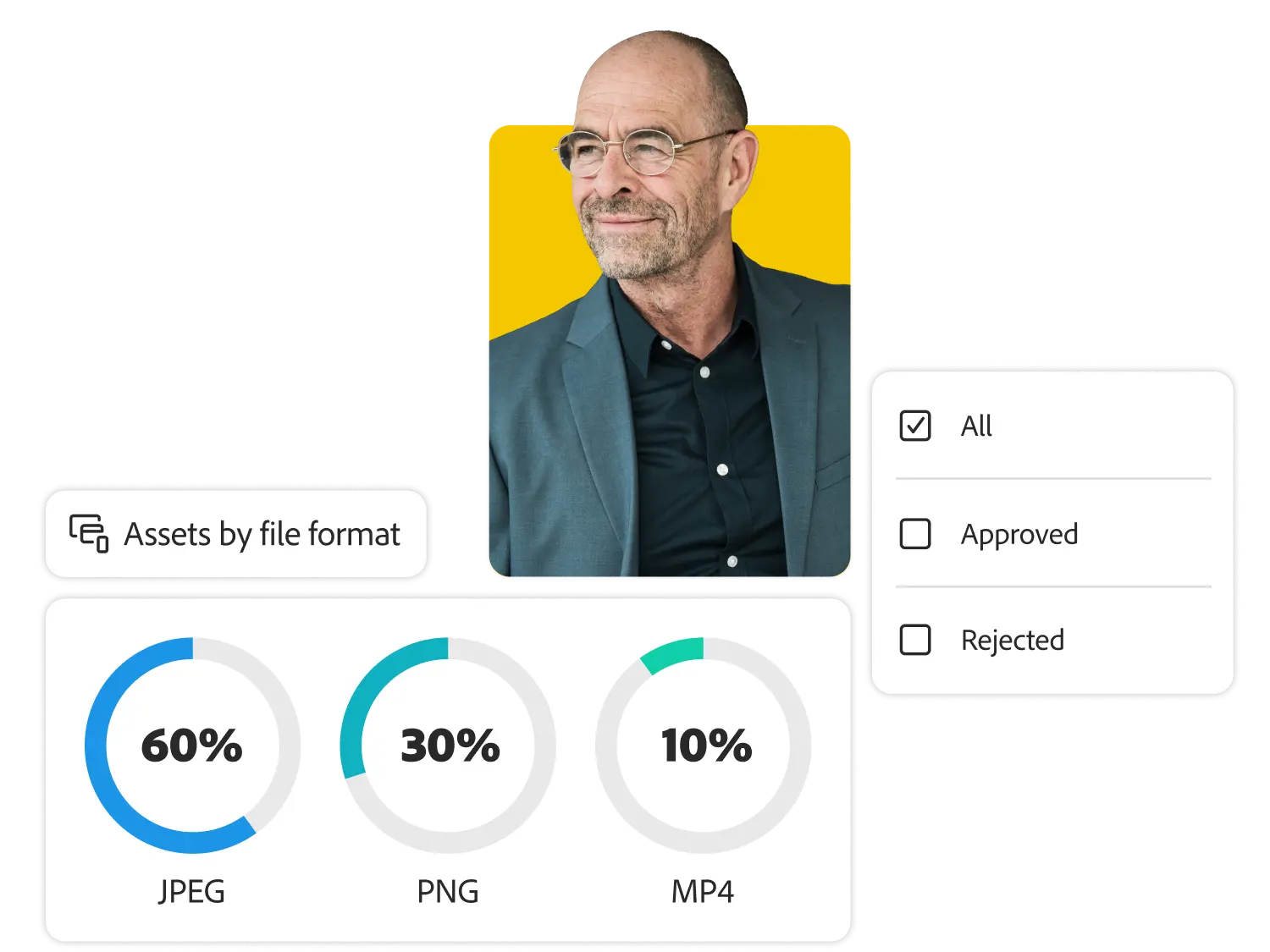
    • Delivery control. You can search for and use completed brand-approved assets, and hide expired or unfinished assets until the asset is created.
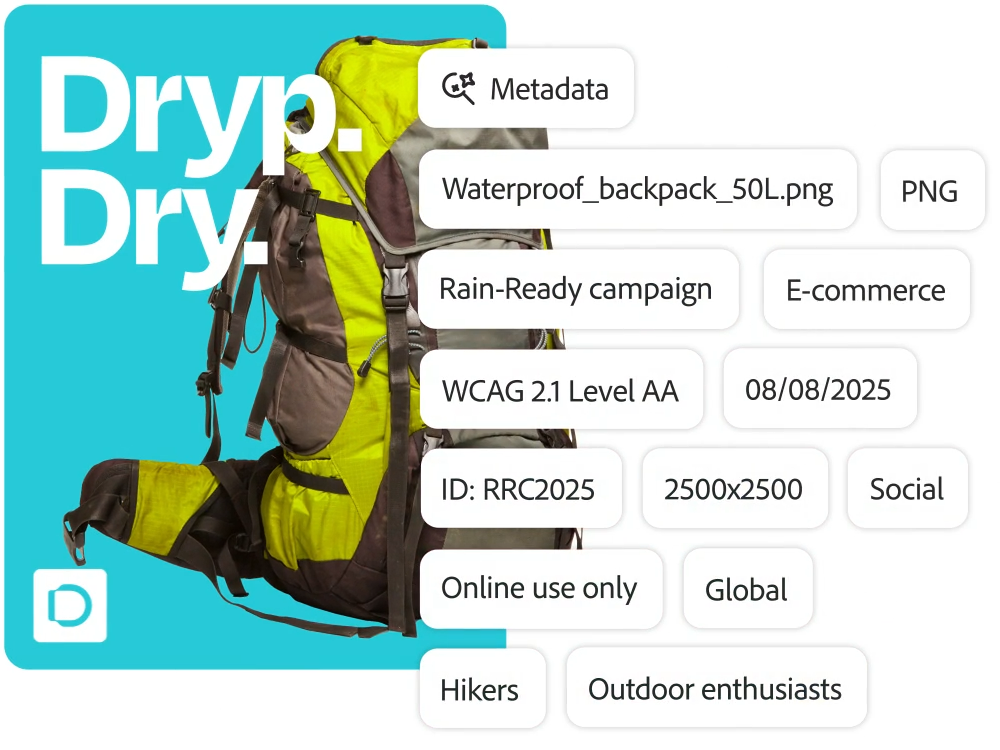
    • Metadata for delivery. With powerful metadata capabilities, you can tag, view, and search for delivery channel metadata, including campaign information, distribution channels, usage and licensing rights, SEO keywords, and accessibility details.
    • Delivery channel integration. Integrations with content management systems (CMS), privileged identity management (PIM), email, social, and marketing campaign tools make it easy to find and deliver assets to third-party systems.
    • URL publishing. You can generate URL strings to link to mobile, desktop, and app destinations. When an asset expires or is updated, those changes are automatically applied to the embedded destination.

Take advantage of 120% of the asset activation feature

Documentation, tutorials, and tutorials on how to use the Content Activation feature in Experience League.
Take advantage of a variety of learning content, including user guides.

Get hands-on with the power of Adobe Experience Manager Assets
.

Adobe Experience Manager
Benefits
of Assets Check it out.