Account Information

Adobe Journey Optimizer B2B Edition Features

Buying groups and accounts

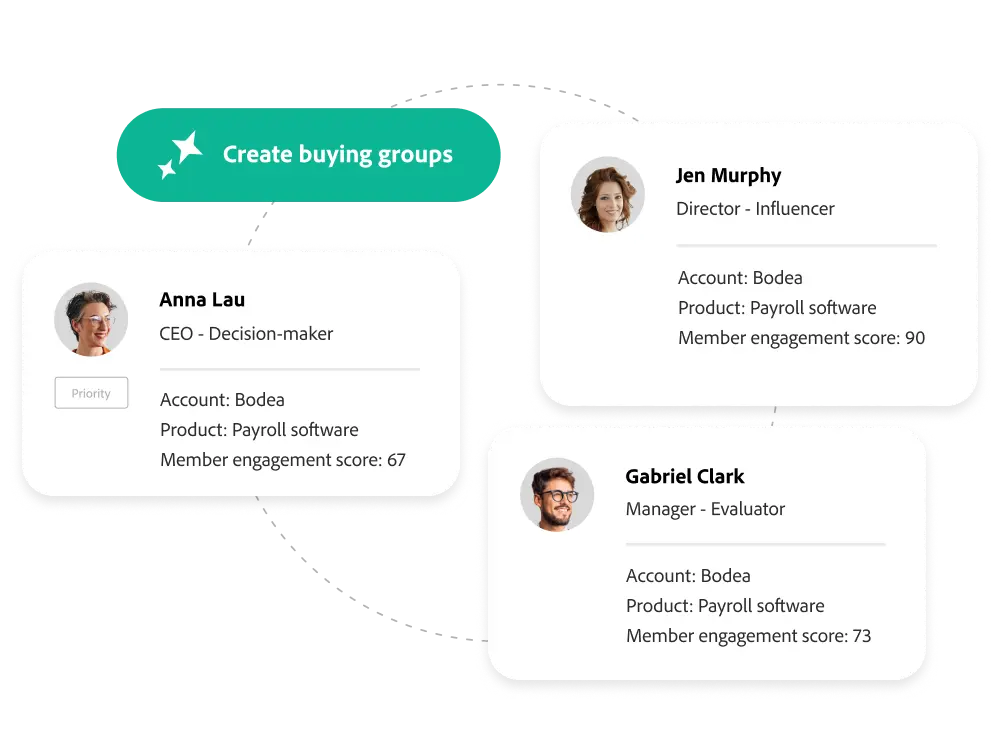
Simplify the creation and management of buying groups with AI and in-house integrated B2B data in a single application.

Audience Agent

Streamline campaign planning and accelerate pipeline growth with automation capabilities to discover, create, and activate buying groups.

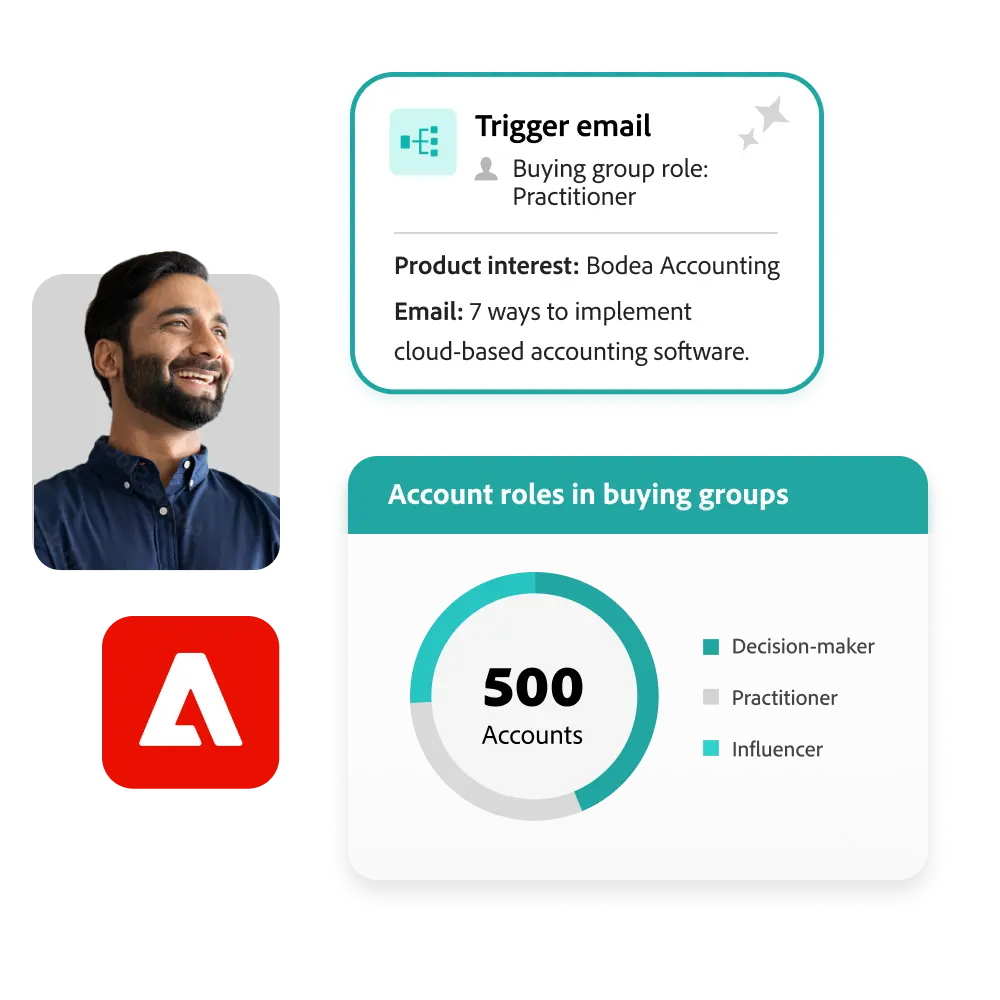
    • Intent-based audiences. Now spend less guesswork and more time driving engagement. You can use product interest signals to identify and target your ideal personas and audiences.
    • Buying group recommendations. Automation allows you to identify and recommend buying group members by analyzing structured/unstructured and first-party data sources such as CRM profiles, marketing efforts, and web content.
    • Always-on management and activation. You can use audience agents to populate purchase groups, trigger engagement notifications, and activate journeys by handing off audiences to downstream agents, either independently or through user-defined actions.
Unified account list

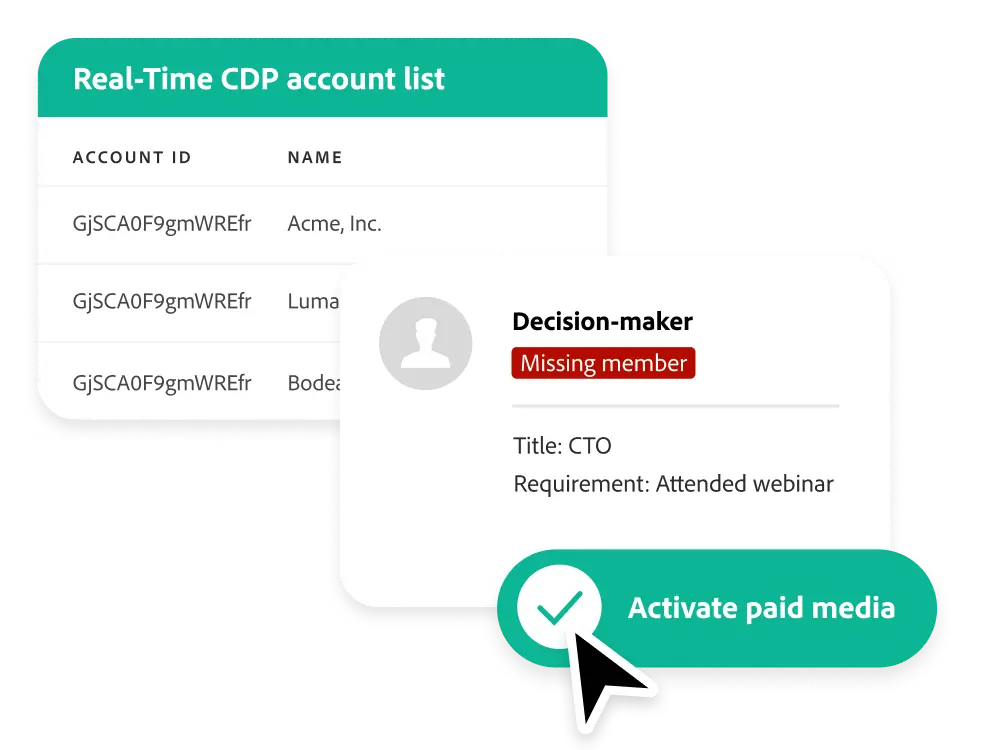
You can flexibly add, delete, and update new buying group members as new buying group members are discovered using a unified target account list for creating buying groups and enhancing customer journeys.

    • Adobe Real-Time Customer Data Platform data.
      • Adobe Marketo Engage data. You can use marketing automation data from Marketo Engage to grow your target account list and buying groups, place buying group members in the right roles, and trigger customer journey activities.
      • Activate paid media. You can enable an account list that includes missing buying group members from account-based paid media audiences to fill vacant roles.

Improve the completeness of the buying group

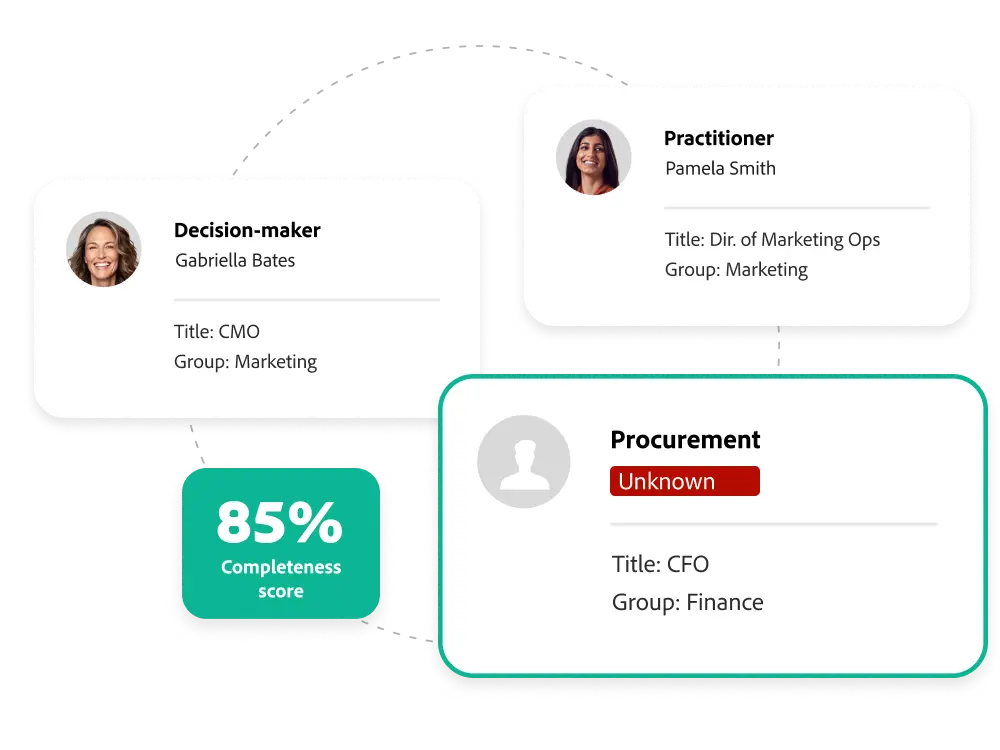
Use AI assistance or manually populate buying group roles to get a comprehensive view of what's done and what is lacking, so you know exactly what needs to be filled.

    • Auto-assign members. Based on personal profile attributes, you can quickly assign representatives in your database to each role by assigning members to purchasing group roles, either manually or via AI.
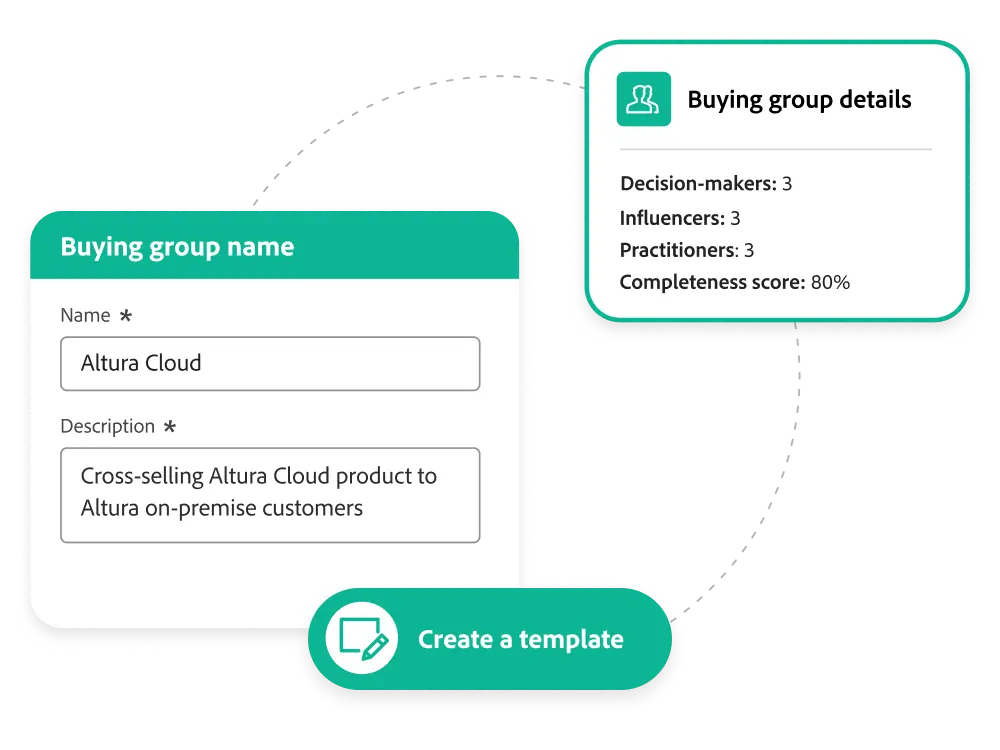
    • Completion scoring. Based on the roles you secure, you can score the buying group completeness so that your sales and marketing teams can determine eligibility and prioritize engagement activities.
    • Missing members. You can identify open roles in buying groups to quickly identify reach gaps and adjust your marketing and paid media strategies to find missing members.

Managing Purchasing Groups

You can use the intuitive step-by-step design wizard to create buying groups and manage them in target accounts for each product and service that your sales and marketing teams launch.

    • Solution interest. By linking buying groups with specific products and services, you can create customer journeys and marketing-eligible buying groups that are suitable for your company's launch strategy and sales plan.
    • Roles and templates.You can set up different roles within a buying group and create templates to reuse for other groups that need similar or overlapping products.
    • Lists and filtering. Search and filter buying groups based on accounts, product offers, completion scores, and more, making it easy to manage all of them in one place.
    • Role criteria and priorities. You can prioritize each role in a buying group based on its importance, use granular first-party, affiliate, and third-party data from the representatives in your target account to define specific criteria and determine the eligibility of buying group members to assign them to the right roles.

Get 120% of the buying group and account features

Experience League offers a wide range of learning content, including documentation, tutorials, and user guides
.

Try the power of Adobe Journey Optimizer B2B Edition
for yourself.

Adobe Journey Optimizer B2B Edition
Check out the benefits you can get.