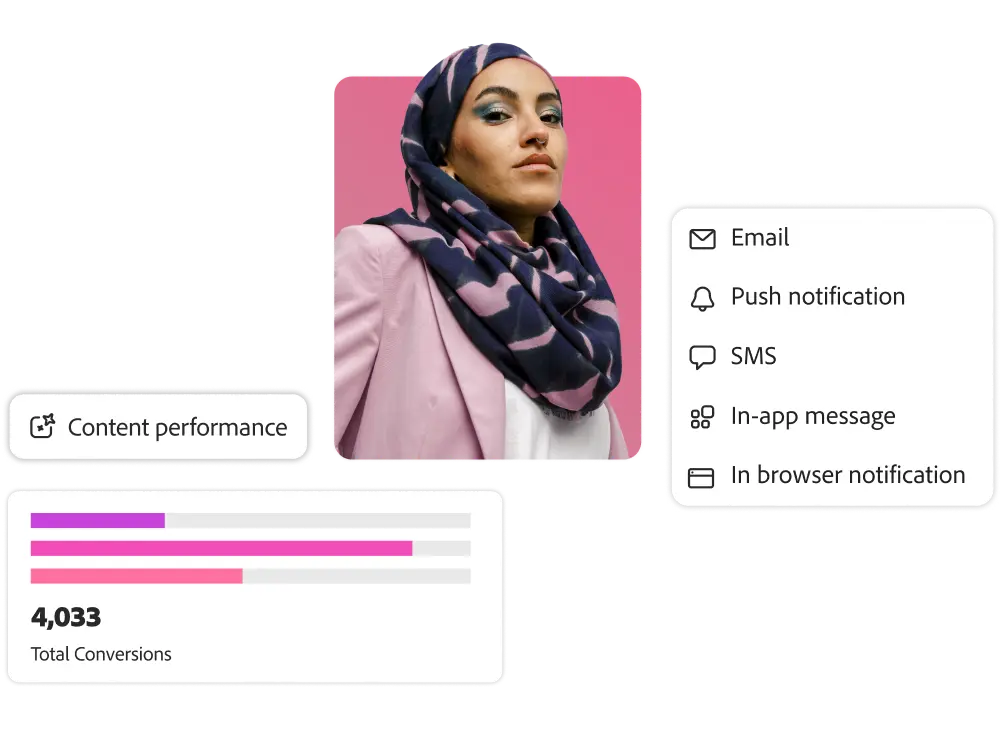
Account Information

Adobe Journey Optimizer features

Unified customer journey management

Trigger
a series of interactions, offers, and messages through multiple stages of the customer journey Build. Multiple at the right time based on customer behavior and business signals
You can drive customer engagement on your channels.

Designing Itineraries

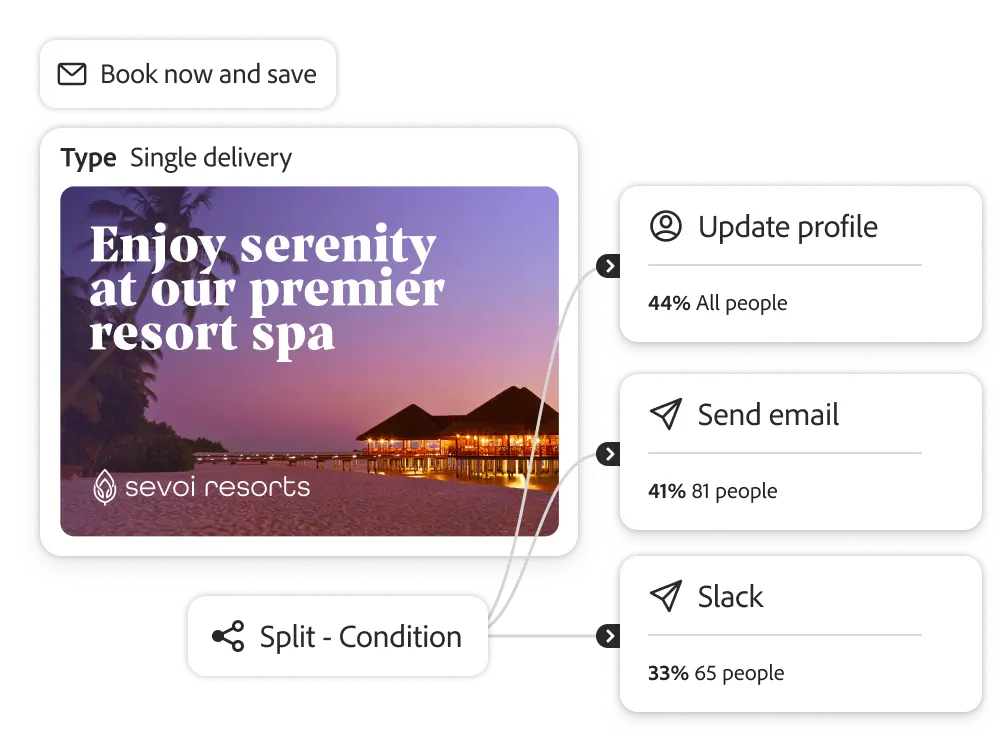
Build multi-stage customer journeys on an intuitive drag-and-drop canvas. Based on behavioral, contextual data, and business events, you can unify and activate messages, offers, and content across channels to target customers.

    • Drive contextual engagement. Engage customers in real-time based on contextual data and events, such as registrations, purchases, order status, flight delays, loyalty, and more. You can leverage data from API services to update audiences or trigger custom actions. API services allow you to quickly exchange data between different applications or systems by linking them.
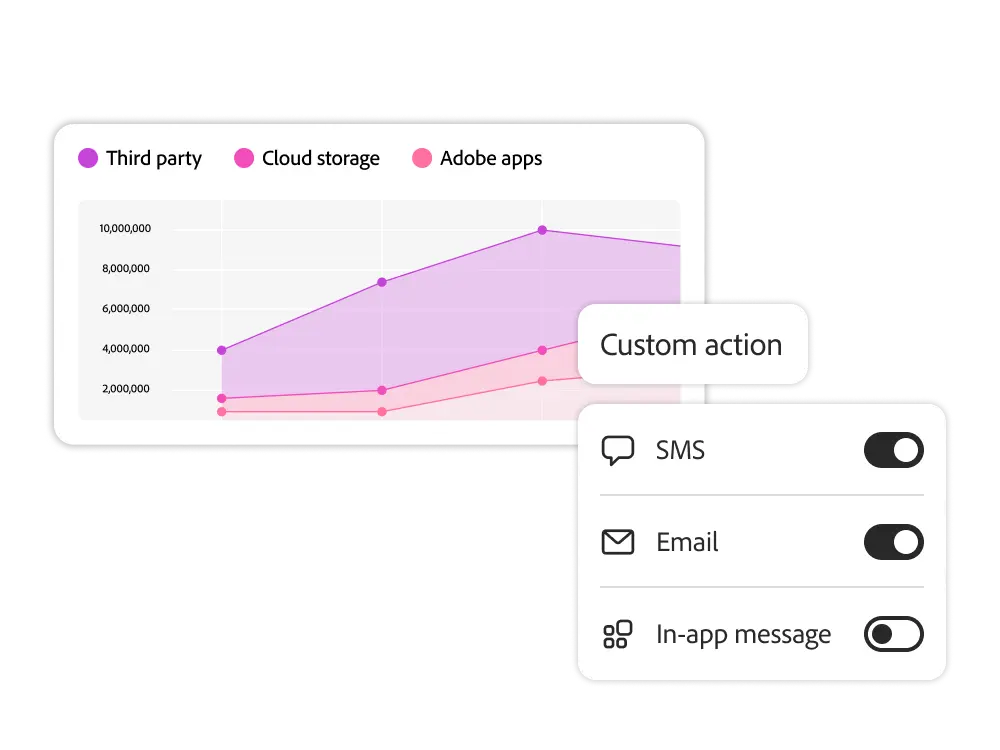
    • Default and custom actions. You can use basic actions to send messages from inbound and outbound channels, and you can create custom actions to run messages on third-party systems.
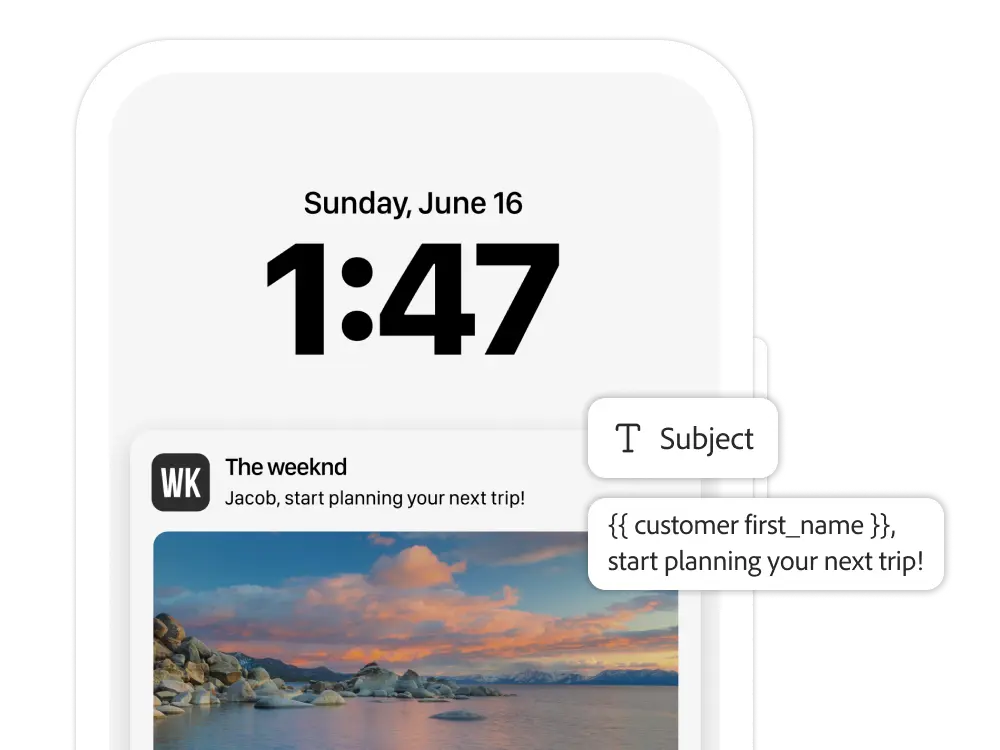
    • Messages triggered in real time. When an event occurs or a signal is received, you can instantly send a one-on-one message from any available channel.
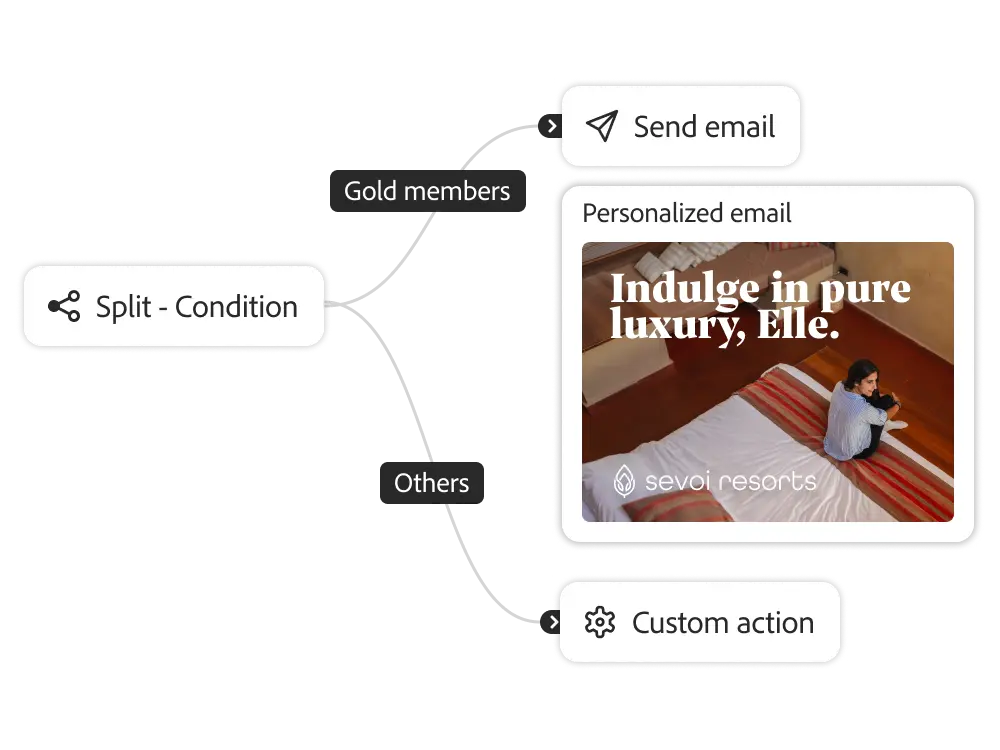
    • Flexible journey paths. Use conditions to segment your customers and guide them to your own customer journey flow. You can set time-based steps, rate splitting, and limits on the number of customers that lead to each journey path.
    • Test journeys. Use test profiles to preview journeys from the customer's perspective. Gain insights before you start the journey.
Journey prioritization and conflict management (coming soon)

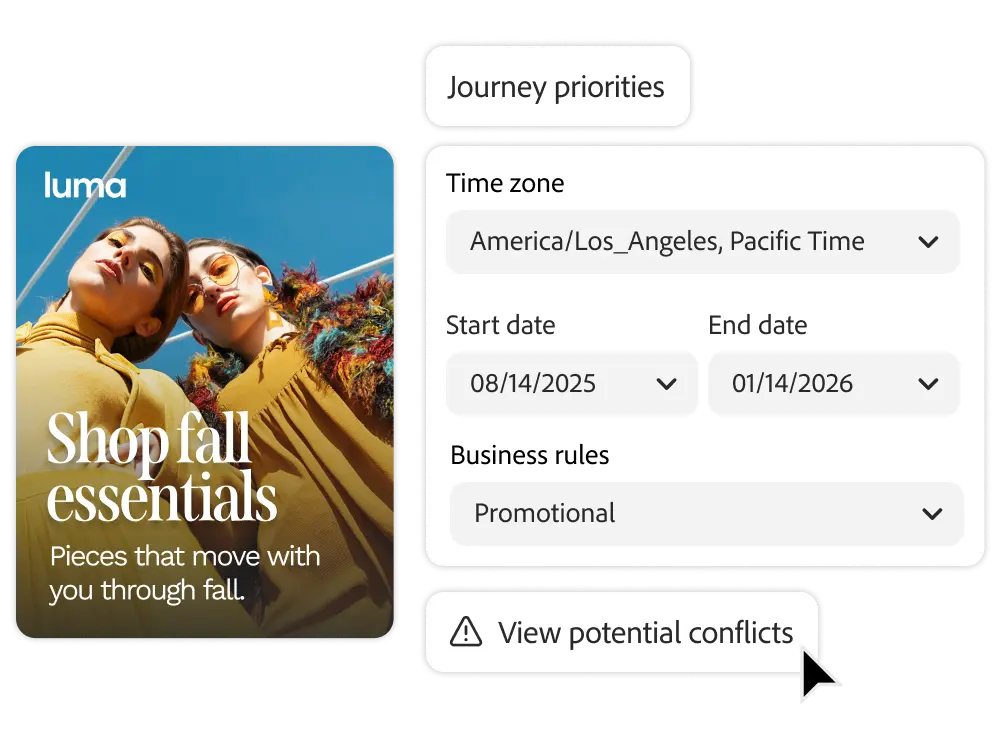
Prioritize communication across all journeys and campaigns to minimize marketing fatigue.

    • Conflict detection. You can identify duplicate communications and monitor timelines, customer overlap, and channel configuration to ensure that your marketing efforts don't duplicate.
    • Set
    • frequency limits and times. You can manage how often you interact with your customers. You can limit messages on weekends, holidays, and specific time zones through settings.
    • Prioritize campaigns and journeys. If a customer is eligible for multiple journeys or campaigns, you can decide which journeys or campaigns to prioritize.
    • Trip limits and moderations. Limit the frequency and number of journeys that customers can participate in, and if you're eligible for multiple journeys, you can drive engagement to the most relevant journeys.
    • Optimize journey paths. Experiment or AI decisioning to understand which journeys are engaging your customers.

Journey Reporting

Visualize and monitor your customers' journeys and how they engage across channels with powerful measurement and reporting tools.

    • Instant identification. Before activating customers, you can see which customers are a good fit for the journey and monitor the progress of specific journeys to optimize journeys, reduce bounces, and increase engagement.
    • Comprehensive insights. With built-in visualizations, reporting, and measurement, you can track performance against your business metrics and gain insights into campaigns, journeys, and channels in one place.

Scalability

With the flexibility and openness, Journey Optimizer empowers your customers by ingesting data from multiple sources, and connects with third-party systems to send messages or API calls.

    • Flexible data collection. You can ingest data from Adobe applications, cloud-based storage, databases, and external sources. You can also organize, label, and enrich data that comes in from Adobe Experience Platform.
    • Custom actions. Use JSON-formatted payloads via REST APIs to configure custom actions with the vendor's services called. Based on the API, you can trigger the sending of messages from a third-party system.

Use case playbook

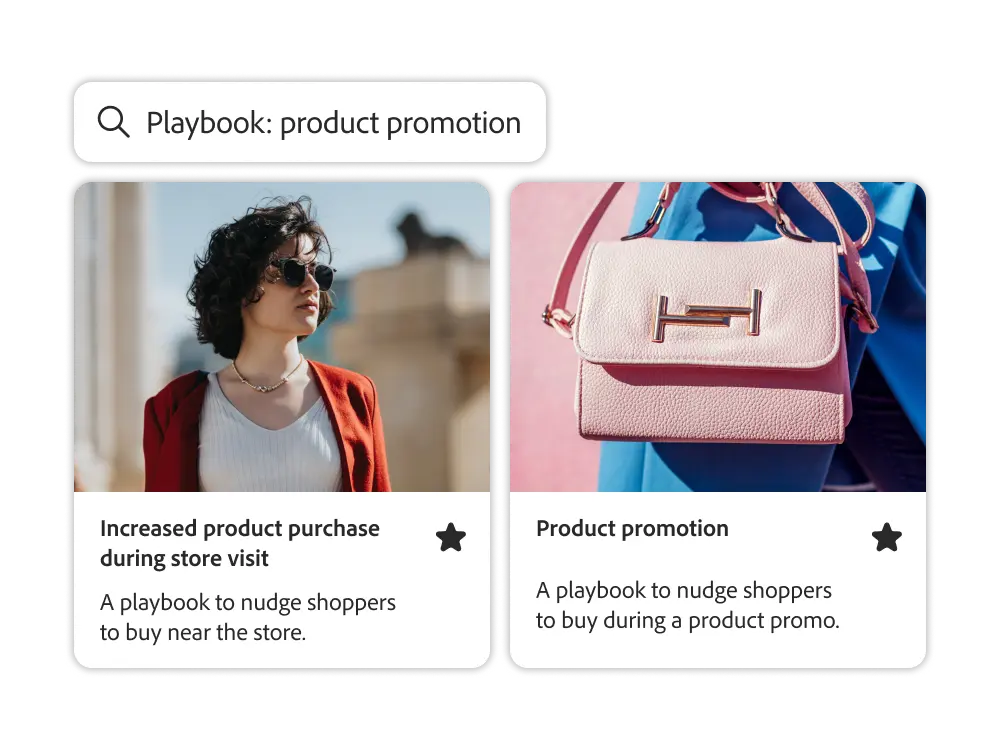
Explore our catalog of over 29 unique journey and campaign playbooks and activate key use cases with just a few clicks. You can filter by industry, channel, and marketing goal to find the right playbook for your business.

    • Visualize common use cases. Look at the visual flow of each playbook to understand each touchpoint from the perspective of your target audience.
    • Asset sync and validation. Automatically sync assets from each playbook, such as schemas, customers, messages, and journeys, to the collected data for testing and activation.
    • Get
    • started quickly with key use cases. Common use cases are available, such as cart abandonment, in-app welcome messages, purchase confirmations, guest and fan onboarding, product promotions, and increased purchase orders.

Campaigns

Deliver campaigns tailored to each customer across multiple channels. You can set the campaign execution time to a one-time send or a recurring frequency.

    • Create campaigns. Design, schedule, and distribute campaigns for promotions, customer engagement, announcements, legal notices, policy updates, and more.
    • API-triggered campaigns. Set up API triggers that initiate marketing, transactional, and operational communications (such as password resets) based on REST API payloads. Leverage profile attributes and real-time contextual data to personalize your messages.
    • Campaign reporting. Get global reports that detail your campaign's performance and engagement, including analytics and key metrics by campaign
    • , channel, and experiment.

Leverage 120% of customer journey integration

Experience League offers a wide range of learning content, including documentation, tutorials, and user guides
.

Let me answer any questions you may have.

What is unified journey management in Adobe Journey Optimizer?

Unified journey management in Adobe Journey Optimizer is the ability to orchestrate real-time and scheduled experiences across channels. Adobe Journey Optimizer identifies behavioral and data changes, then automatically triggers the optimal action.

What factors can trigger a journey in Adobe Journey Optimizer?

Any element in Adobe Experience Platform can trigger a journey. It can be website activity, app events, CRM updates, API calls, and even IoT signals.

Can enterprise teams combine campaigns with real-time flows?

Yes. Run bulk campaigns with scheduled emails, and layer real-time logic to support individual users taking action during the campaign program.

How can enterprise teams manage complex journeys in Adobe Journey Optimizer?

You can build modular paths with tabs, conditions, and version control in Adobe Journey Optimizer's journey canvas. You can also replicate, pause, test, and reuse flows.

How does Adobe Journey Optimizer support CMOs in scaling their lifecycle programs?

CMOs design always-on journeys that respond to customer behavior throughout the lifecycle, ensuring that marketing is a continuous and high-performance driver.

Can CIOs audit and manage unified management logic across the stack?

Yes. Journey versions, triggers, and conditions can all be tracked and managed through Adobe Experience Platform's data lineage and policy enforcement capabilities.

How does Adobe Journey Optimizer help teams across different departments collaborate with each other?

Visual integration management, reusable templates, test environments, and more make it easy for marketing, operations, and experience teams to align at scale.

What makes Adobe Journey Optimizer different from traditional unified management tools?

Traditional tools require manual segmentation and channel-specific logic. Journey Optimizer unifies journeys, data, content, and execution into one adaptive canvas, reducing disconnection and delays.


Get hands-on with the power of Adobe Journey Optimizer.

See how Adobe Journey Optimizer
can help.