Account Information
Adobe Experience Manager Sites features
Content Creation
Experience Manager Sites offers a wide range of content creation features.
Documentation Through the authoring function based on the foundation, familiar
tools such as Microsoft Word or Google Docs to create and edit web pages, or use
the visual editor You can create and edit pages right from the application. In addition, several
Reuse content on your site, easily manage metadata and tags, and translate
Save time to quickly build better digital journeys for your customers.
Documentation Through the authoring function based on the foundation, familiar
tools such as Microsoft Word or Google Docs to create and edit web pages, or use
the visual editor You can create and edit pages right from the application. In addition, several
Reuse content on your site, easily manage metadata and tags, and translate
Save time to quickly build better digital journeys for your customers.
Document-based authoring
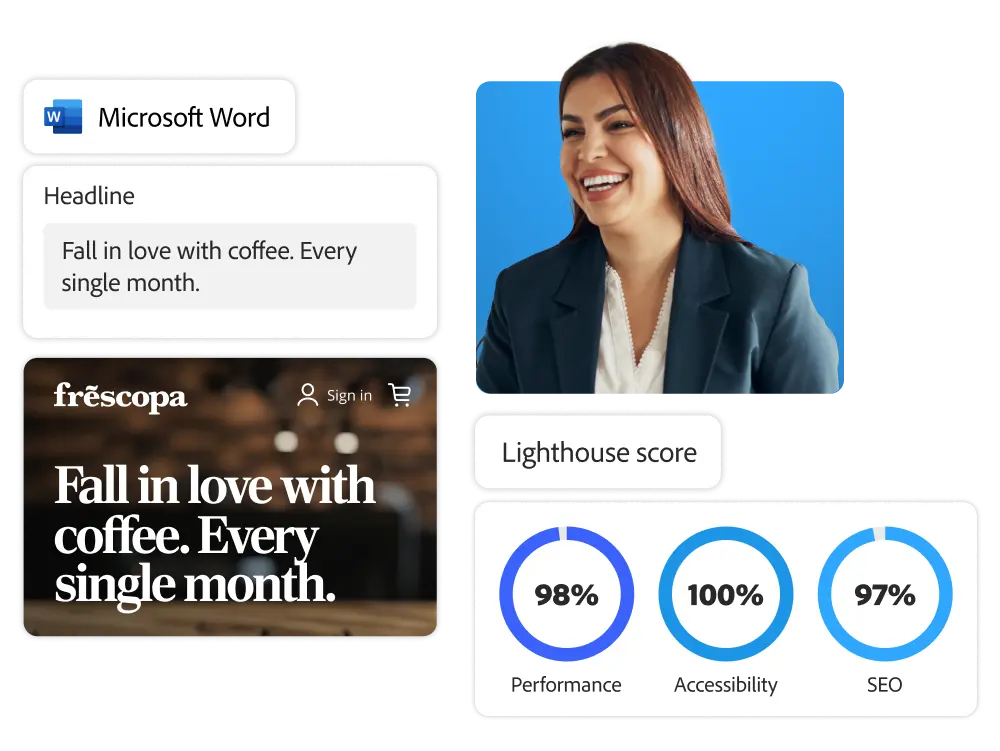
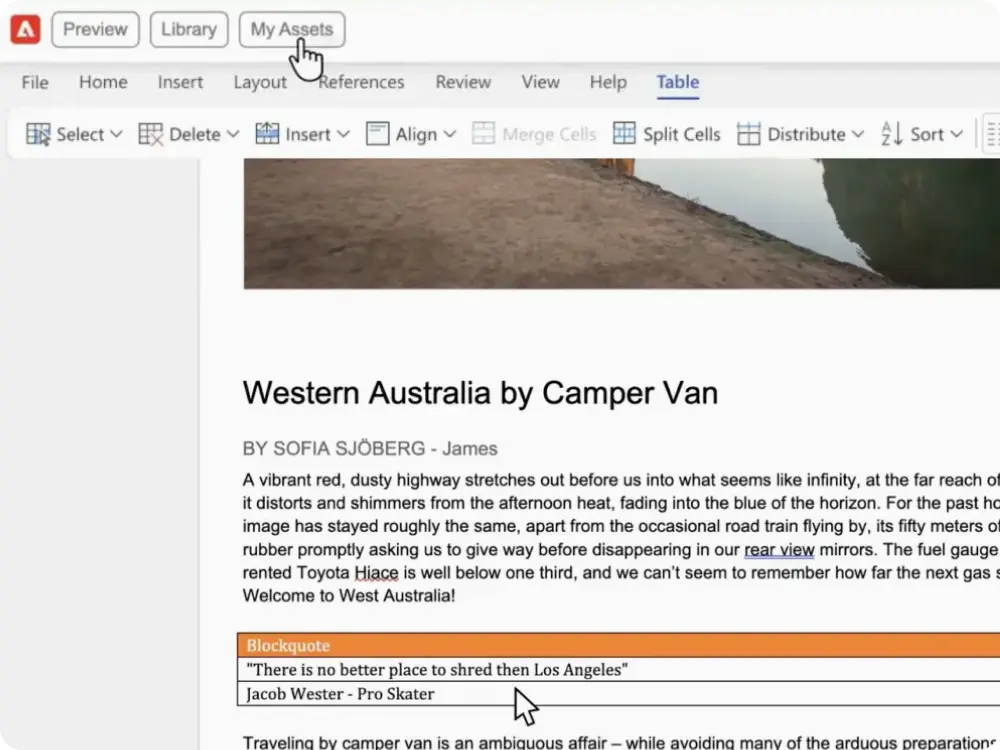
With document-based authoring, you can quickly and flexibly create and edit web pages in familiar environments such as Microsoft Word and Google Docs. You can send titles, lists, images, fonts, and videos directly to your website.
- Blocks. A fundamental element of building web pages, blocks are flexible, performance-optimized, and SEO-friendly. You can configure blocks yourself or take advantage of pre-built blocks from block collections.
- Easy editing, publishing, and previewing. The browser extension Adobe Experience Manager Sidekick allows you to edit, preview, and publish content directly from your document or spreadsheet.
- Adobe Experience Manager Assets integration. You can configure the asset picker to retrieve images from a digital asset management solution (DAM) and insert them directly into your document.
- Structured data. You can add content to spreadsheets that can be automatically converted into APIs that developers can use. You can use spreadsheets like a headless CMS.
Standard Editor
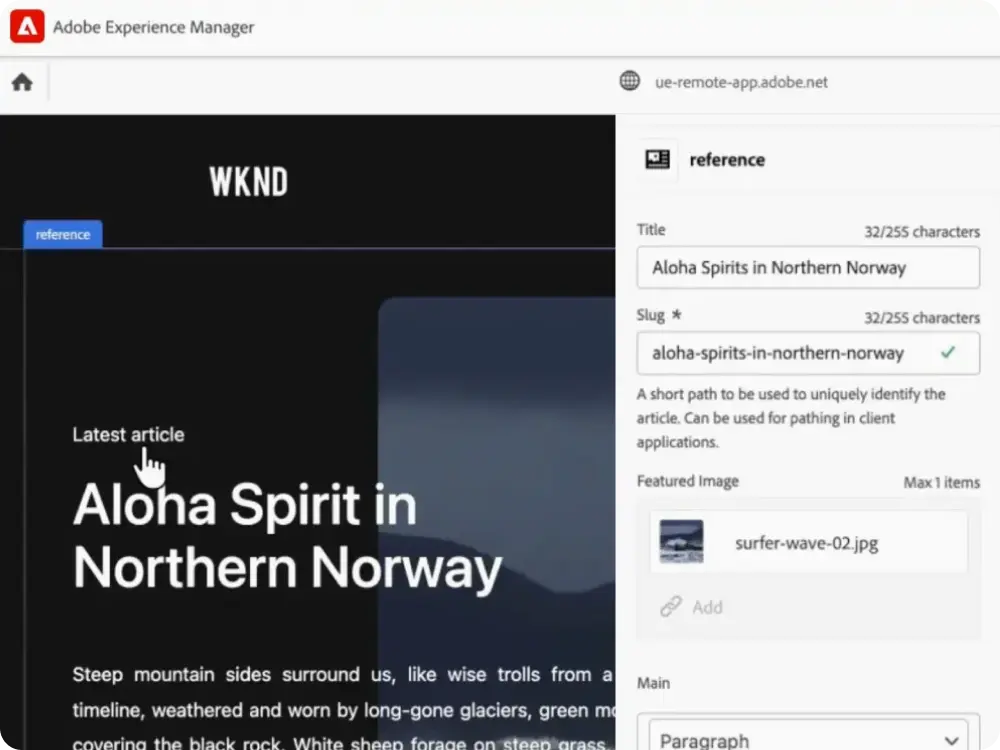
Use the standard editor to edit in real-time with visual previews, regardless of the architecture (server-side or client-side), framework (React or Angular), or content type.
- Context-based editing. In a live copy environment, you can edit content blocks and move components to complete exactly the copy and design you want.
- Layout. Use the visual component rail to easily add, delete, and rearrange components.
Multisite Management
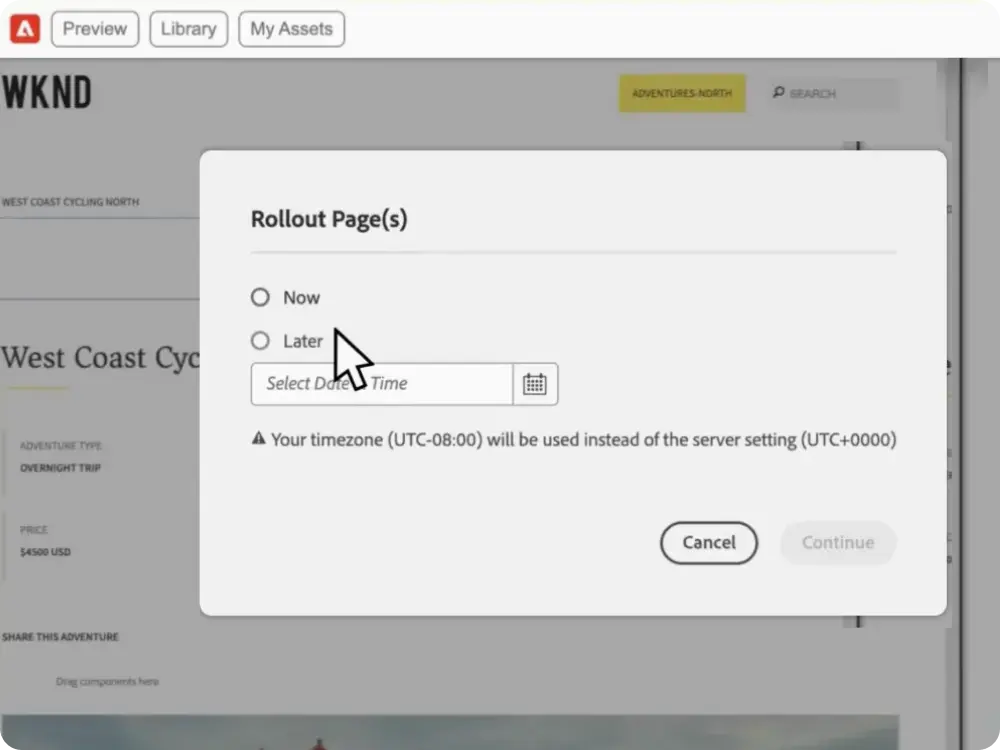
Control your mobile and web assets from one platform and maintain consistency and brand identity across all your sites, including regional and language sites. With a multisite management tool, you can update your digital assets with regional changes to make them more relevant, and quickly apply changes to all your sites to effectively communicate with all customers while keeping your brand consistent.
- Content reuse. Live copy allows you to quickly create new sites using the same structure and content as your existing site. All changes on the master site are synchronized, so you don't have to manually update them.
- Localization controls. Edit and update content while adhering to governance and guidelines for brand consistency to increase relevance to local communities.
Translation integration
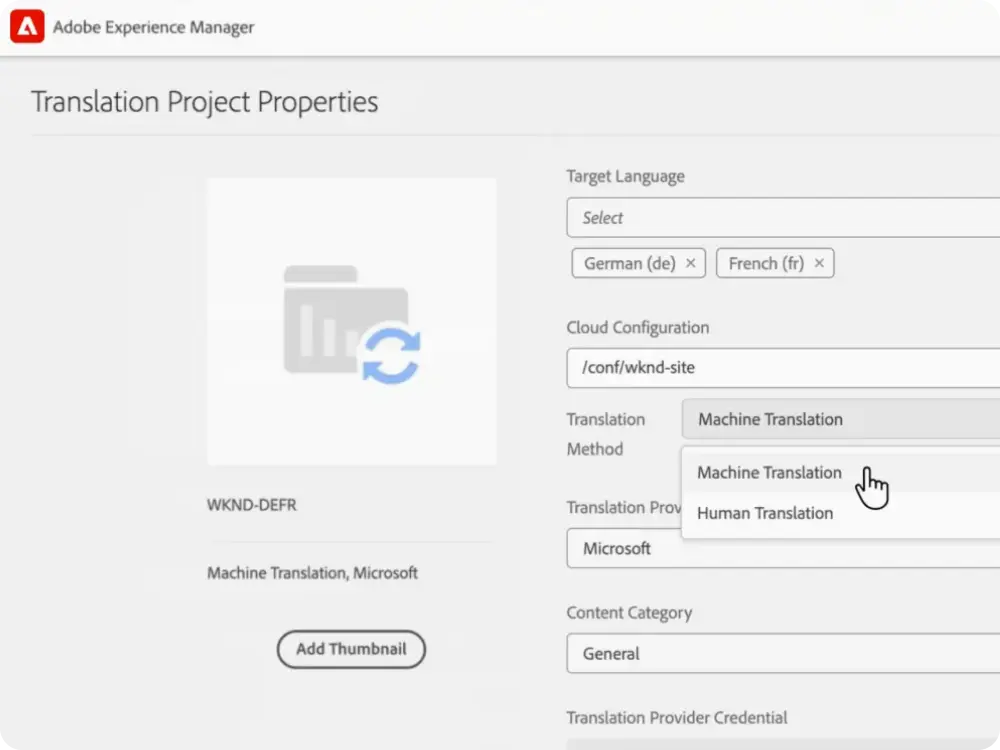
Experience Manager Sites simplifies translation tasks, making it easy and fast to translate content for a global audience. The Translation Connector allows you to connect Experience Manager Sites with the translation service of your choice to automate the translation of phrases and image metadata. You can simply configure your translation rules to distinguish between what you don't need to translate and what you should.
- Translation integration management. Take advantage of leading translation providers from Adobe Exchange and integrate with Adobe Experience Manager Sites. This streamlines the editing process and makes it easy for authors to collaborate.
- Translator and machine translation support. You can send your content for offline translation by a professional translator and then import it back into Adobe Experience Manager when it's finished. You can also use machine translation to automatically translate your content.
- Translation project management. Use the task tile to instantly see if a project is on schedule or without any disruptions. You can categorize tasks by overdue, work in progress, or adjust by individual team member's activity.
Take advantage of 120% of your content creation capabilities
Take advantage of a variety of learning content, including manuals, tutorials, and user guides.