Account Information

Adobe Experience Manager Assets features

Explore Assets

AI-powered tagging and categorization capabilities enable efficient content discovery, enabling multiple teams to collect, organize, and utilize content across various applications.

Flexible asset collection

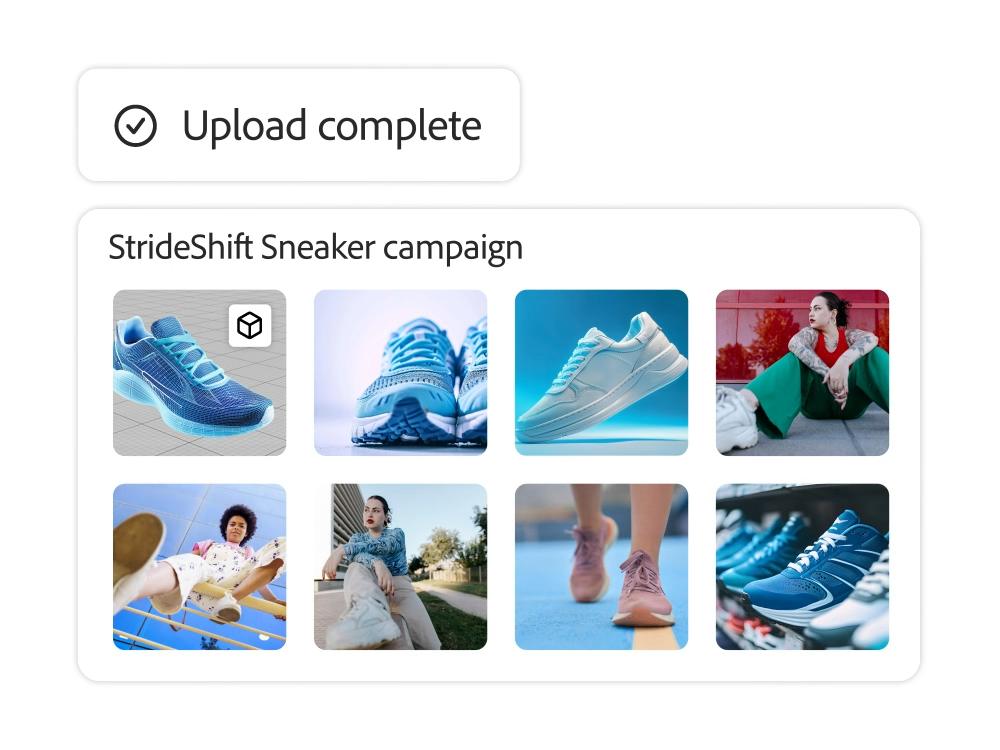
You can upload any type of asset, including rich media such as 3D, to a digital asset management system through bulk ingestion or by connecting with a storage application, and manage all your assets in one place.

    • Various collection points. You can ingest assets in DAM or through Experience Manager Content Hub. You can also use bulk ingestion or external ad-hoc asset storage.
    • Rich Media. It can collect and manage various file types, including VR, AR, and 3D. Interactive 3D viewers allow you to preview 3D assets or provide 360-degree VR experiences.
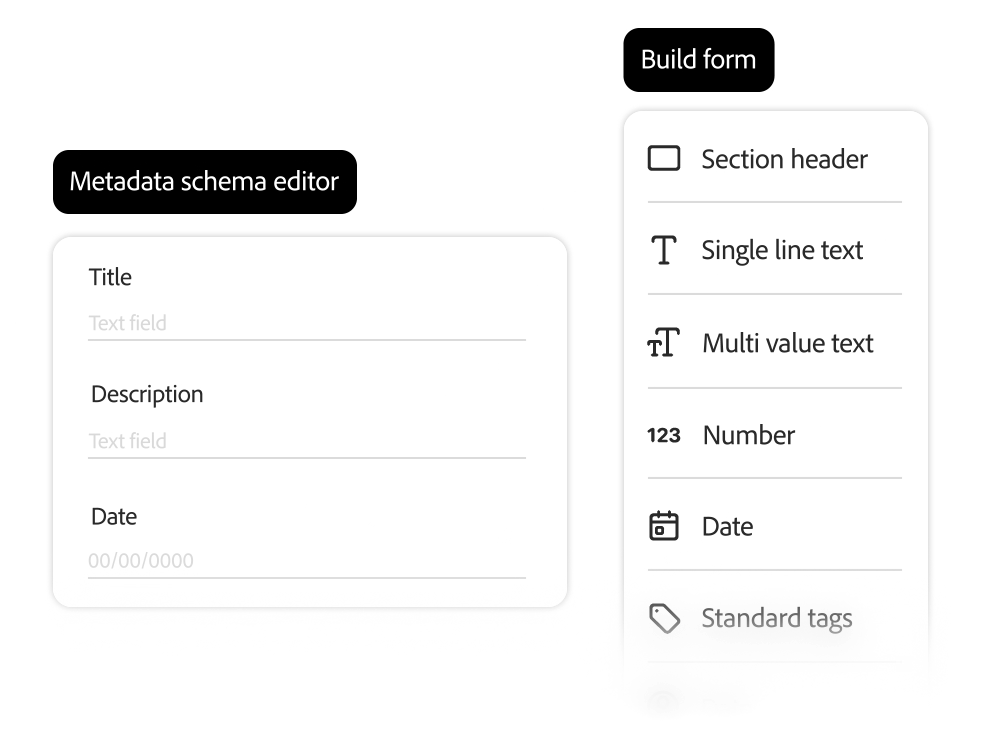
Configure Asset Metadata

Experience Manager Assets allows you to efficiently group and categorize assets in custom metadata and tagging structures.

    • Custom metadata schema. Metadata and tagging can be customized to meet the specific needs of the business. Administrators can specify the necessary metadata attributes for each asset to improve the way assets are discovered and organized in the store
    • .
    • In-house metadata translation. Automatically translate asset metadata and tags into multiple languages for multilingual projects.
    • Third-party metadata management. Fields can be imported from third-party metadata schemas to streamline processes across various industries and cloud services.

Smart tagging and AI tools

Use smart features to improve search accuracy and accessibility, and maintain brand consistency.

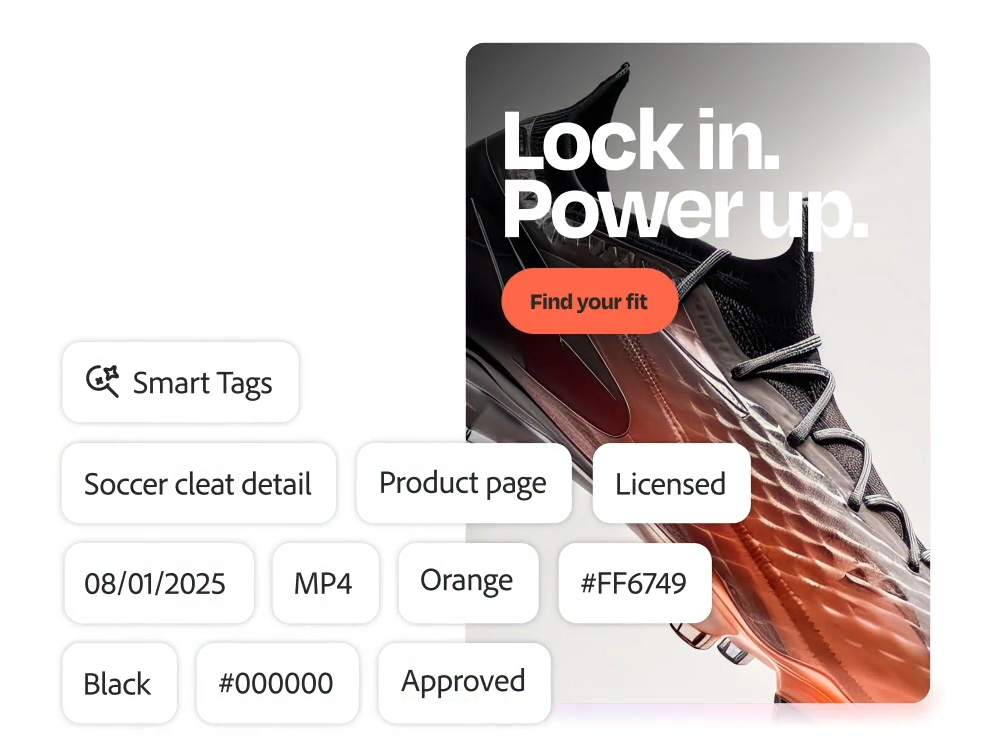
    • Smart tagging. Automatically apply business-specific smart tags to image, video, and text-based assets. Create relevant descriptive tags based on machine learning to quickly and easily find assets.
    • Brand-specific tagging. Context-based GenAI metadata tagging that is highly relevant to your products and brands makes it easy to discover assets, increase reuse, and enrich metadata. You don't have to manually tag every asset in DAM. You can convert visual text from assets, such as product information, brand name, title description, UPC code, SKU, etc., into searchable metadata tags. You can also use automatic translation to search for tags in different languages from different regions.

Asset Search

Use natural language search and advanced filters to easily find relevant assets. Experience Manager Assets provides a variety of access points to DAM, including authoring tools for administrators, a content hub for users, and integrations with first-party and third-party applications, making it easy for users to find and access the assets they need.

    • Contextual search. You can search for assets using text prompts that automatically convert into search filters.
    • Search and explore between languages. You can translate keywords into your preferred language in real-time.
    • Search with DAM authoring tools. Administrators can take advantage of out-of-the-box search and auto-tagging capabilities in DAM.
    • Search through the Content Hub. All teams and external partners can search, browse, and create different versions of approved assets. You can also share temporary links with internal and external teams to easily access and download assets.

Search for first-party and third-party assets

You can integrate Experience Manager Assets with first-party and third-party applications to discover a wide range of assets.

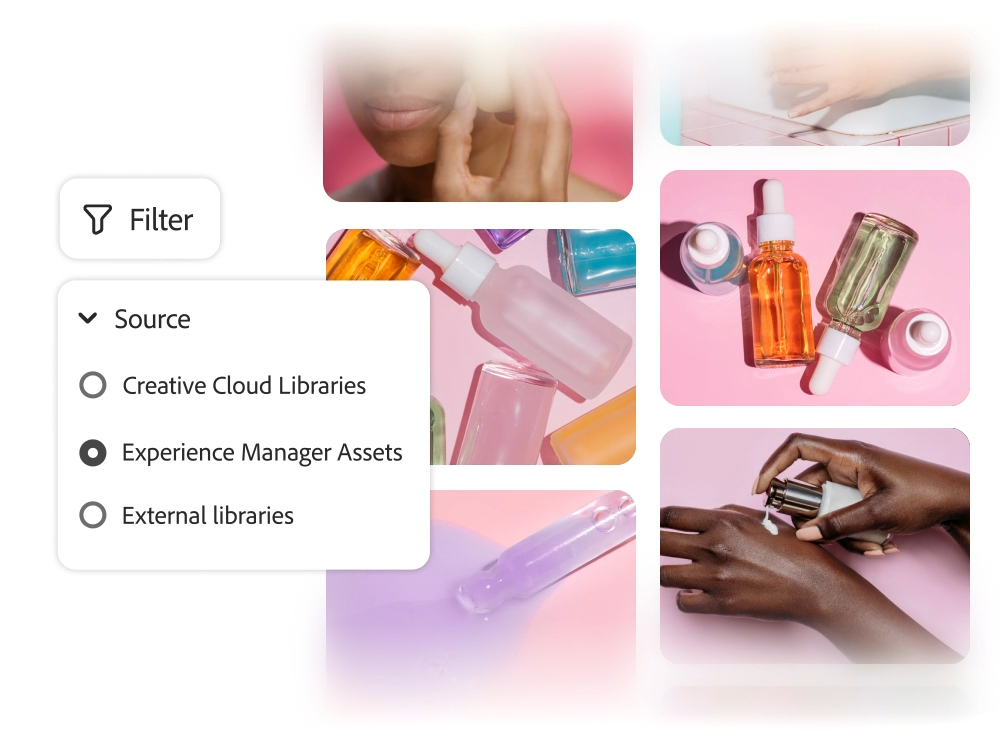
    • Search with Creative Cloud Libraries. You can connect the Experience Manager Assets cloud service to Creative Cloud Libraries to take advantage of unified workflows and search capabilities in your creative library.
    • Generate assets based on Adobe Firefly search information. With Adobe Firefly, you can create new branded assets that take into account your asset searches and similar assets in your DAM to unlock new opportunities for failed search queries. Users can use brand images stored in Experience Manager Assets to train Adobe Firefly custom models or third-party large language models (LLMs).
    • Unified search (in development). Whether it's an individual instance of a DAM or a third-party repository, you can search and activate assets regardless of where they are stored, so all team members can access them from anywhere.

Take advantage of 120% of asset navigation

Experience League offers a wide range of learning content, including documentation, tutorials, and user guides
.

Get hands-on with the power of Adobe Experience Manager Assets
.

Adobe Experience Manager
Benefits
of Assets Check it out.