Digital asset management
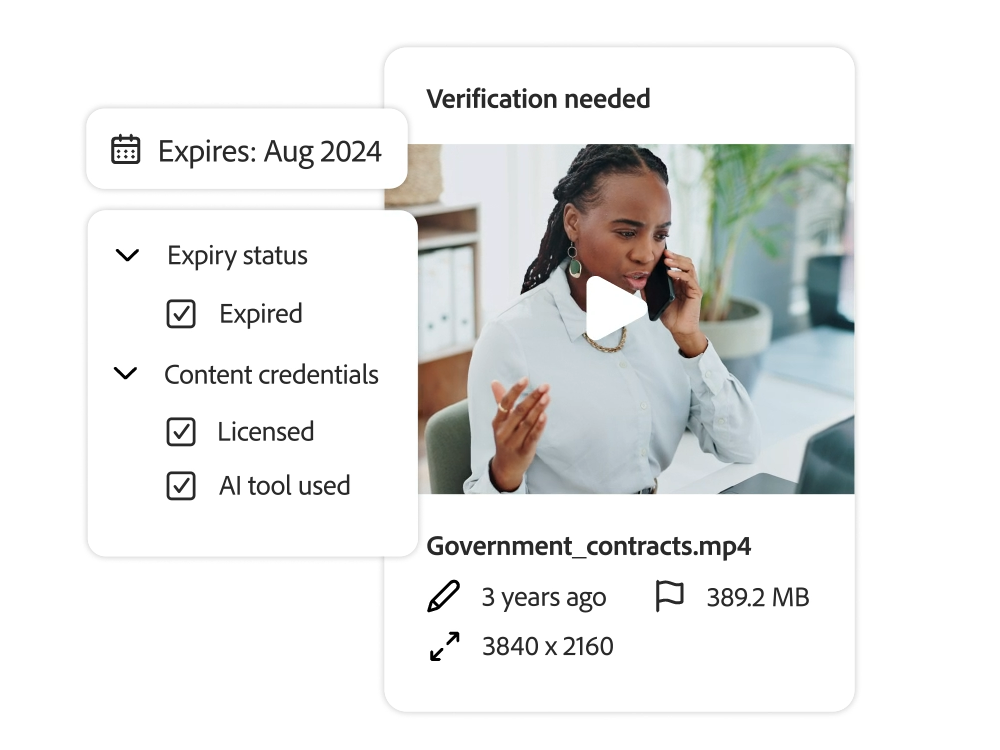
You can set user role permissions to allow users to access the assets they want. Users can see the asset expiration date and set rules to restrict access until the asset is approved.
- Timely delivery. You can manage the use of assets by determining when specific assets are accessible or searchable. This allows you to publish assets in a timely manner and restrict access to them when their life has expired.
- Granular permission settings. Control user and team permissions by asset, folder, and license type. You can also control permissions for specific assets in your DAM or Content Hub.